Firefighting Simulator The Squad v1.0.44.0 (upd.31.08.2025) - RUNE
About The Game
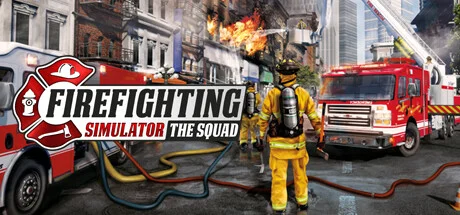
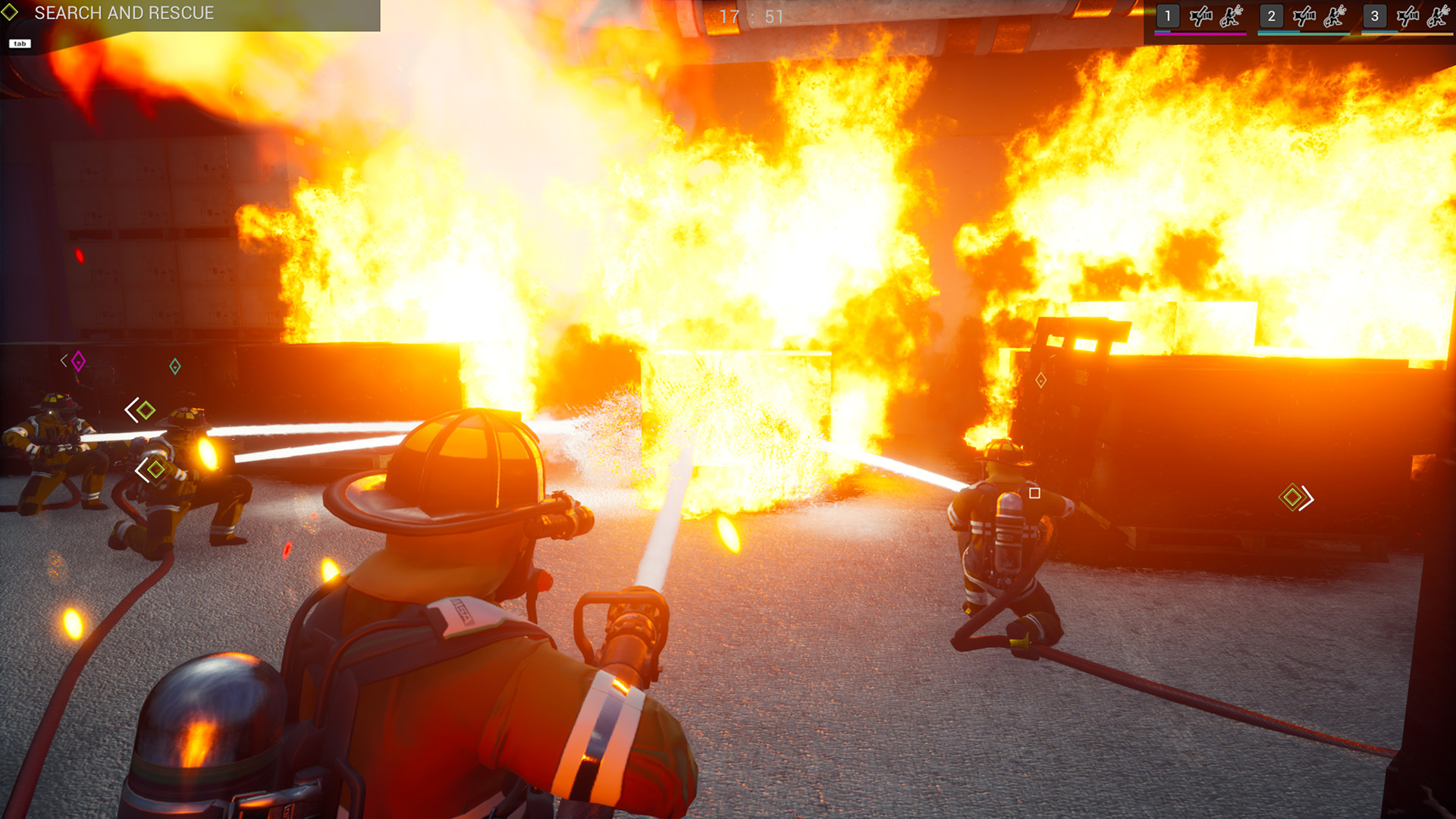
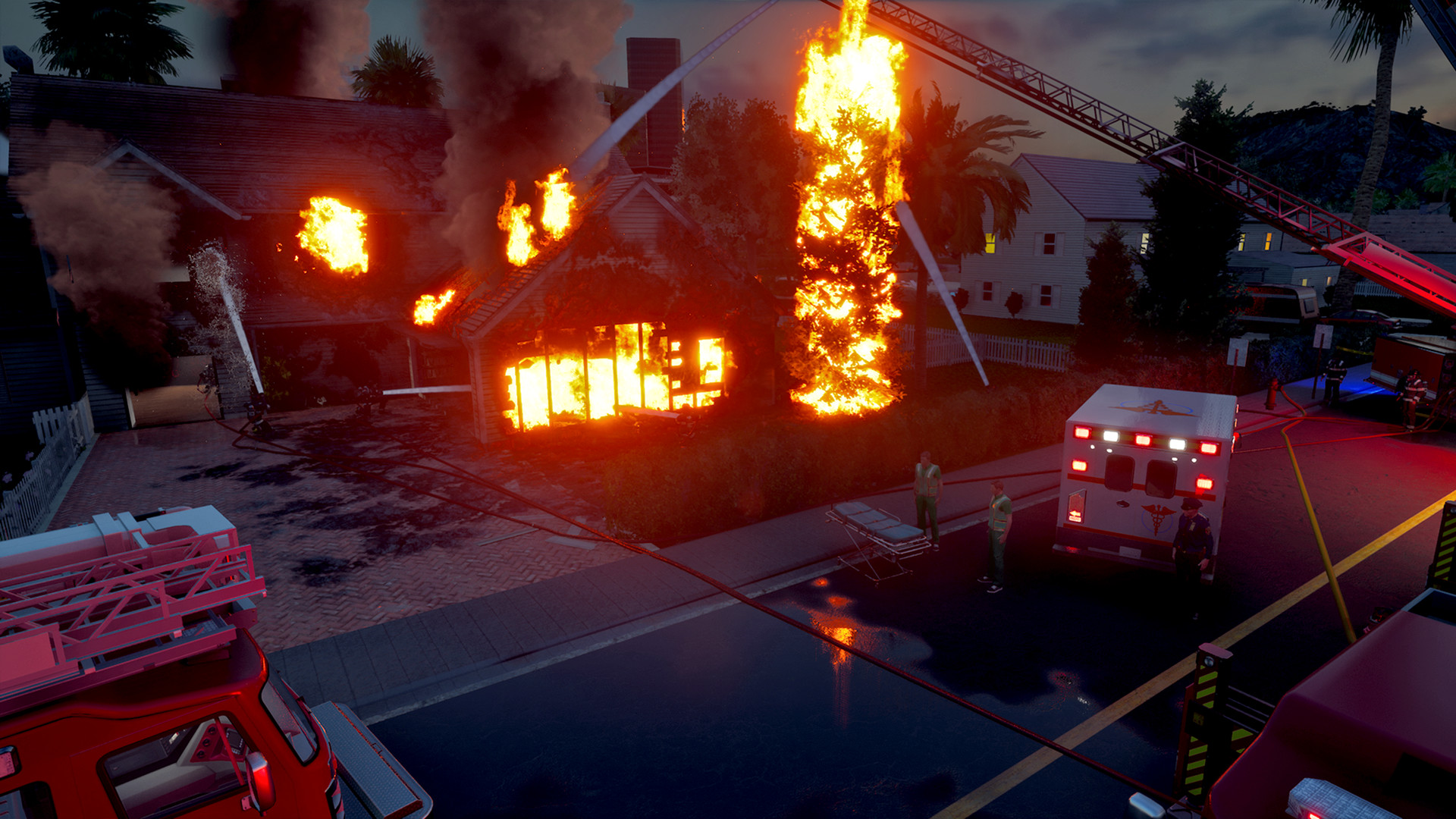
Firefighting Simulator The Squad is an action simulation game that puts you in the shoes of a firefighter in a major coastal city in the United States. Tackle fires across a sprawling 15,000-acre urban landscape with 40 diverse locations, from downtown skyscrapers to suburban neighborhoods and industrial areas. The game features realistic fire behavior, including flare-ups, backdrafts, and various fire types, as well as licensed equipment from real manufacturers such as Rosenbauer America, Cairns, and HAIX.
Play solo against the AI using an intuitive control system, or team up with up to three friends in co-op multiplayer. Take control of real fire trucks, operate hydraulic platforms, and use specialized firefighting tools as you navigate a physically accurate environment where fires spread dynamically. A comprehensive tutorial will help beginners master the basics of firefighting equipment, and the game supports standard steering wheels and gamepads for greater immersion.
NOTE. Uploaded version: 22 May 2025 [Build 17269292] + Update v1.0.44.0. This is Full Release and latest version of game. The game is already Packaged in ISO File and ready to run the game after install, read the instruction below.
Game Details
- Title: Firefighting Simulator The Squad
- Genre: Simulation, Action, Strategy, Open World, Adventure, Casual, VR
- Developer: Chronos Unterhaltungssoftware
- Publisher: astragon Entertainment
- Release year: 2025
- Available Languages: English, French, German, Spanish - Spain, Italian, Portuguese - Brazil, Japanese, Korean, Polish, Russian, Traditional Chinese, Turkish, Simplified Chinese, Spanish - Latin America
- Release Name: Firefighting.Simulator.The.Squad-RUNE + Update v1.0.44.0
- Game Version: v1.0.44.0 (upd.31.08.2025)
- Game Releaser: RUNE
- Size: 4.08 GB
System Requirements
Minimum:
OS: Windows 10 64-Bit
Processor: Intel Core i5-4440 with 3,1 GHz or AMD FX-8150 with 3,6 GHz or higher
Memory: 8 GB RAM
Graphics: GeForce GTX 750 Ti (2 GB VRAM) or AMD Radeon RX 460 (2 GB VRAM) or higher
DirectX: Version 11
Network: Broadband Internet connection
Storage: 12 GB available space
Recommended:
OS: Windows 10 64-Bit
Processor: Intel Core i7-3820 with 3,6 GHz or AMD FX-8350 with 4,0 GHz or higher
Memory: 16 GB RAM
Graphics: GeForce GTX 1070 (8 GB VRAM) or AMD Radeon RX 5600 XT (8 GB VRAM) or higher
DirectX: Version 11
Network: Broadband Internet connection
Storage: 12 GB available space
Screenshots

Video
How to Install
1. The first thing we do is download the game’s installation files.
2. Mount or burn the ISO image in the disk emulator (UltraISO program).
3. During the installation, we specify the location on the disk where we want to install it.
4. Wait until the installation process is complete, a shortcut will appear on the desktop.
5. Copy the contents of the folder «RUNE» in the folder with the game.
6. Download and install Update v1.0.44.0, in game folder.
7. Start the game.
Download update only: Firefighting.Simulator.The.Squad.Update.v1.0.44.0-RUNE, MIRROR, MIRROR 2 [ 78.2 MB ]
- Extract.
- Run setup.exe and install the update.
- Copy crack from RUNE dir to install dir.
- Play!
Download Firefighting Simulator The Squad v1.0.44.0 (upd.31.08.2025) — RUNE
Alternative Download Links
Alternative Mirrors
Game Update History
- Firefighting Simulator The Squad Build 17269292 → Update v1.0.44.0 [ 31.08.2025 ]
- Firefighting Simulator The Squad → Build 17269292 [ 22.05.2025 ]