Stellar Blade v1.4.1 (upd.22.03.2026) all DLC

About The Game
Stellar Blade is an action RPG set in a post-apocalyptic world. 70 years ago, aliens arrived on Earth and destroyed almost the entire population of the planet. The remaining people went to look for new continents to live on. However, earthlings created special androids that were sent back to Earth. Their task is to try to displace the alien invaders. However, only a robot girl named Eva 06 survived. Now she must single-handedly confront an entire army of NA: TIVE invaders.
Some people remained in Earth orbit, as they hope to recapture the Earth. Take control of a beautiful android and set off to explore a semi-open world that has elements of a metroidvania. The game mechanics and gameplay concept are based on such hits as God of War and Nier Automata. The game also boasts highly detailed models and well-developed animations.
The combat in Stellar Blade is something between God of War and souls-like games. The heroine has several bars of different parameters, represented by health, stamina and sword charge. Her blade lights up red, allowing her to deliver crushing blows or block powerful attacks from enemies. First aid kits are used right in battle. The protagonist can slow down time, dodge blows and make counterattacks. The heroine has a lot of combo attacks in stock. Kill enemies to upgrade Eva’s abilities. Each boss in the game is represented by unique patterns of movements. At the same time, you need to have time to press the appropriate keys to finish off powerful monsters.
NOTE. Uploaded version: 22 March 2026 [v1.4.1 Build 19963153]. This is Full Release and latest version of game. The game is already Pre-Installed and ready to run, read the instruction below.
DLC:
- Stellar Blade Deluxe Pack
- Stellar Blade x NieR Automata
- Stellar Blade x GODDESS OF VICTORY NIKKE
- Stellar Blade NIKKE Code Box
- Stellar Blade NIKKE Code Verification
- Stellar Blade Pre-purchase Rewards
- Stellar Blade Tachyon Pack
Game Details
- Title: Stellar Blade
- Genre: Action, Adventure, RPG
- Developer: SHIFT UP Corporation
- Publisher: PlayStation Publishing LLC (excluding China)
- Release year: 2025
- Available Languages: English, French, Italian, German, Spanish - Spain, Arabic, Dutch, Swedish, Spanish - Latin America, Thai, Danish, Turkish, Norwegian, Finnish, Portuguese - Brazil, Portuguese - Portugal, Russian, Simplified Chinese, Traditional Chinese, Japanese, Korean, Polish
- Release Name: Stellar_Blade_Complete_Edition_v1.4.1_Build_19963153
- Game Version: v1.4.1 (upd.22.03.2026) all DLC
- Size: 60.35 GB
System Requirements
Minimum:
Requires a 64-bit processor and operating system
OS: Windows 10 64-bit
Processor: Intel® Core™ i5-7600k Processor / AMD Ryzen™ 5 1600X Processor
Memory: 16 GB RAM
Graphics: NVIDIA GeForce GTX 1060 6GB or AMD Radeon RX 580 8GB
DirectX: Version 12
Storage: 75 GB available space
Additional Notes: 1080P. Graphics Quality Preset “Low”. 60FPS Target. HDD Supported, SSD Recommended.
Recommended:
Requires a 64-bit processor and operating system
OS: Windows 10 64-bit
Processor: Intel® Core™ i5-8400 Processor / AMD Ryzen™ 5 3600X Processor
Memory: 16 GB RAM
Graphics: NVIDIA GeForce RTX 2060 SUPER or AMD Radeon RX 5700 XT
DirectX: Version 12
Storage: 75 GB available space
Additional Notes: 1440p. Graphics Quality Preset “Medium”. 60FPS Target. SSD Required.
Screenshots
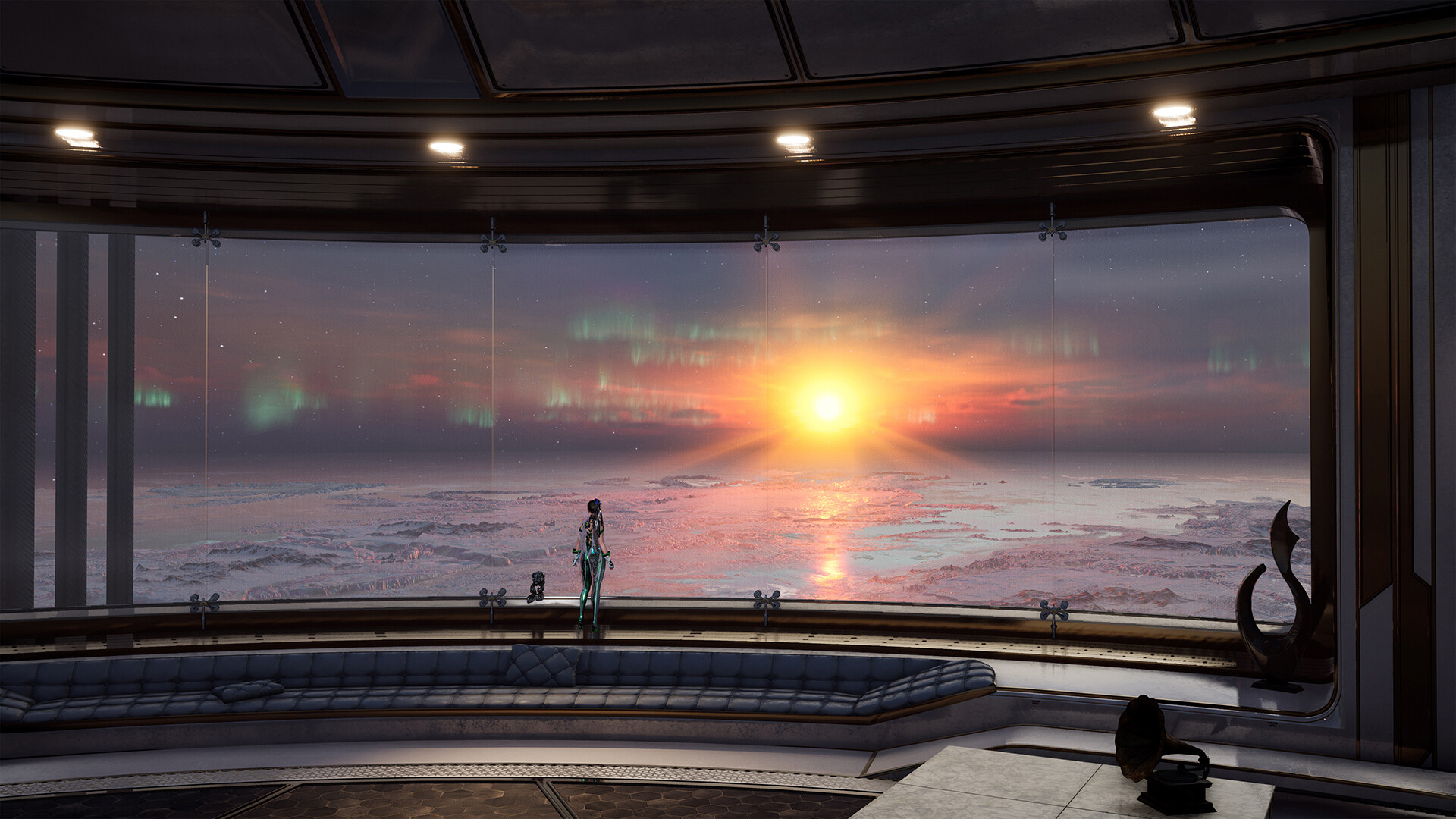

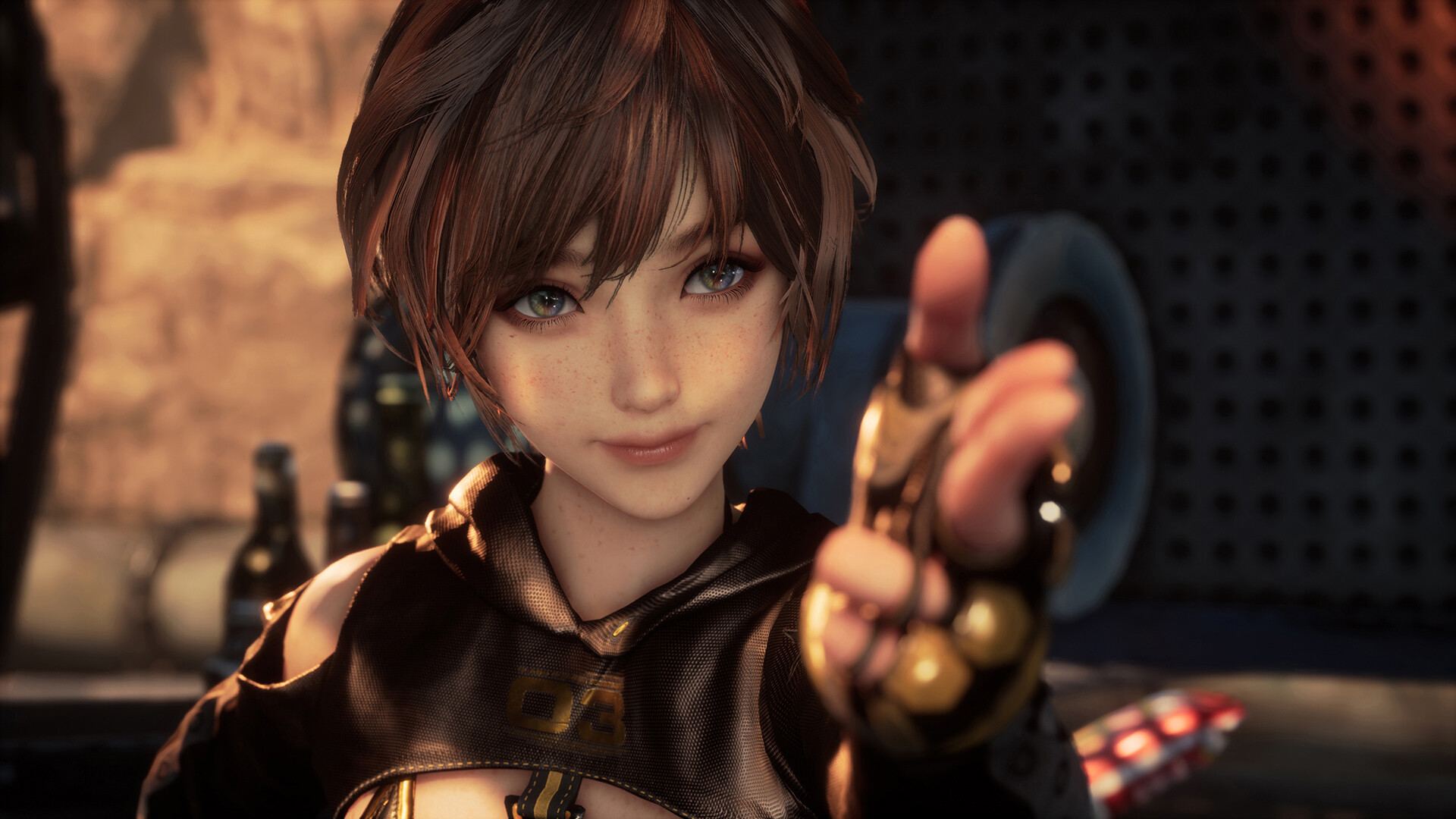
How to Install
1. Download Location
- Download the files to a convenient location
- Important: The path to the game folder must not contain Cyrillic characters
2. Download Archive
3. Prepare the Game
- Carefully read the instructions
- Copy the contents of the «DenuvOwO» folder into the game directory
- Launch the game
Hypervisor Requirements
- Certain system security features must be disabled
System Preparation
- Run VBS.cmd as Administrator
- When prompted (after pressing F7), disable driver signature enforcement
- Carefully read all displayed information before proceeding
- After finishing gameplay, restore all changes
Source Code (Optional)
- Located in DenuvOwO_SRC.zip
- Contains hypervisor driver source code
- Intended for advanced users only
- No need to open or use for regular users
Launching the Game
- Run hypervisor-launcher as Administrator
- Alternatively, run the original game .exe if you want manual hypervisor loading
Hypervisor Behavior
- If using hypervisor-launcher:
- Hypervisor loads automatically
- Requires administrator privileges
- Automatically unloads after exiting the game
- If not using hypervisor-launcher:
- No admin rights required to launch the game
- Driver service must be managed manually (advanced users)
Driver Location
DenuvOwO\SB\Binaries\Win64\driver_amd
DenuvOwO\SB\Binaries\Win64\driver_intel
Specify your correct path depending on CPU
Manual Driver Setup
- Run Command Prompt as Administrator
- Execute the following commands:
sc create SimpleSvm type= kernel binPath= "C:\Your\Path\To\Driver\SimpleSvm.sys" sc start SimpleSvm

sc stop SimpleSvm
sc delete SimpleSvm
Driver Notes
- Intel driver file: hyperkd.sys
- Required additional files: hyperdbg
- All related files start with «hyper»
Security Notes
- If BitLocker is enabled — keep your recovery key ready
- If using Windows Hello — ensure you have an alternative login method
Additional Information
- Original English instructions are available in DenuvOwO.nfo
Download Stellar Blade v1.4.1 (upd.22.03.2026) all DLC
Alternative Download Links
Alternative Mirrors
Direct link Stellar.Blade.v1.1.0.Plus.40.Trainer-FLiNG
DIRECT LINK1
Game Update History
- Stellar Blade Build 18760172 → v1.4.1 [ 22.03.2026 ]
- Stellar Blade → Build 18760172 [ 13.06.2025 ]