Mortal Kombat Legacy Kollection Build 22628385 (upd.23.05.2026) - RUNE
About The Game
Relive the legendary era of fighting games with Mortal Kombat Legacy Kollection, the definitive 2025 Action package from Digital Eclipse and Atari. This curated collection brings together a pristine selection of the classic Mortal Kombat games, remastered and enhanced to deliver a perfect blend of nostalgic arcade gameplay and modern performance. It is a must have Action experience for both veteran kombatants and a new generation of fighting game fans.
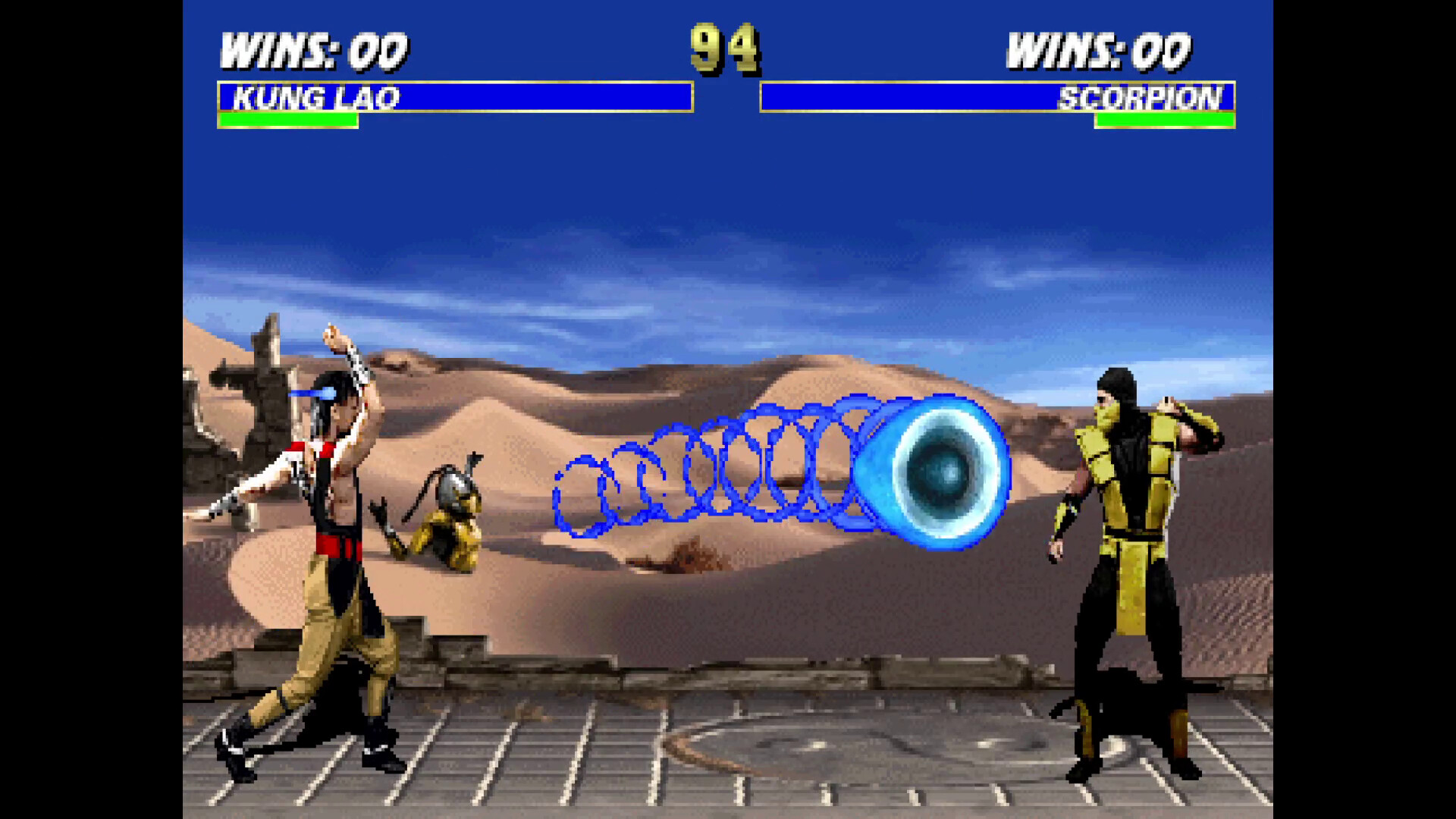
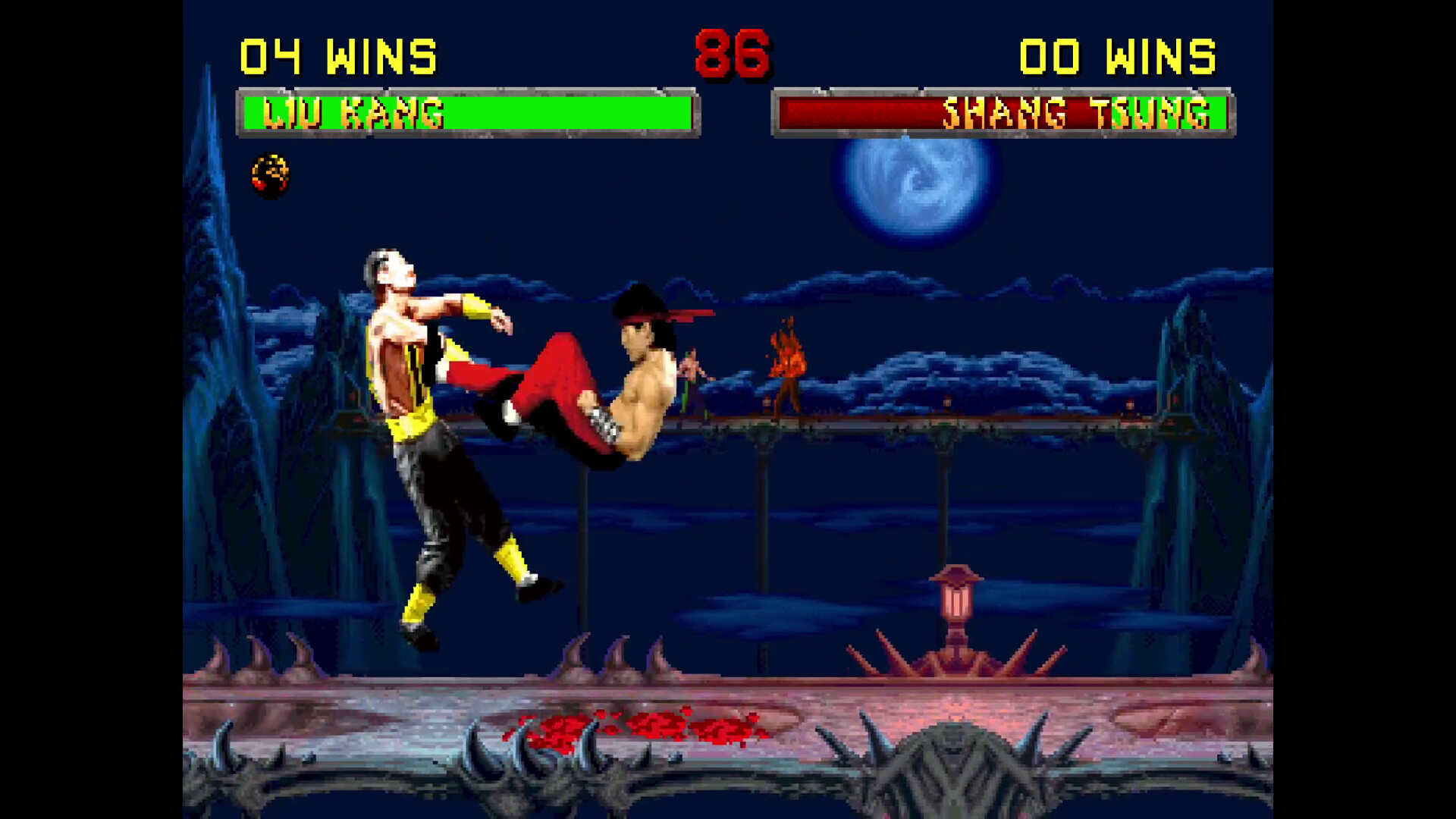
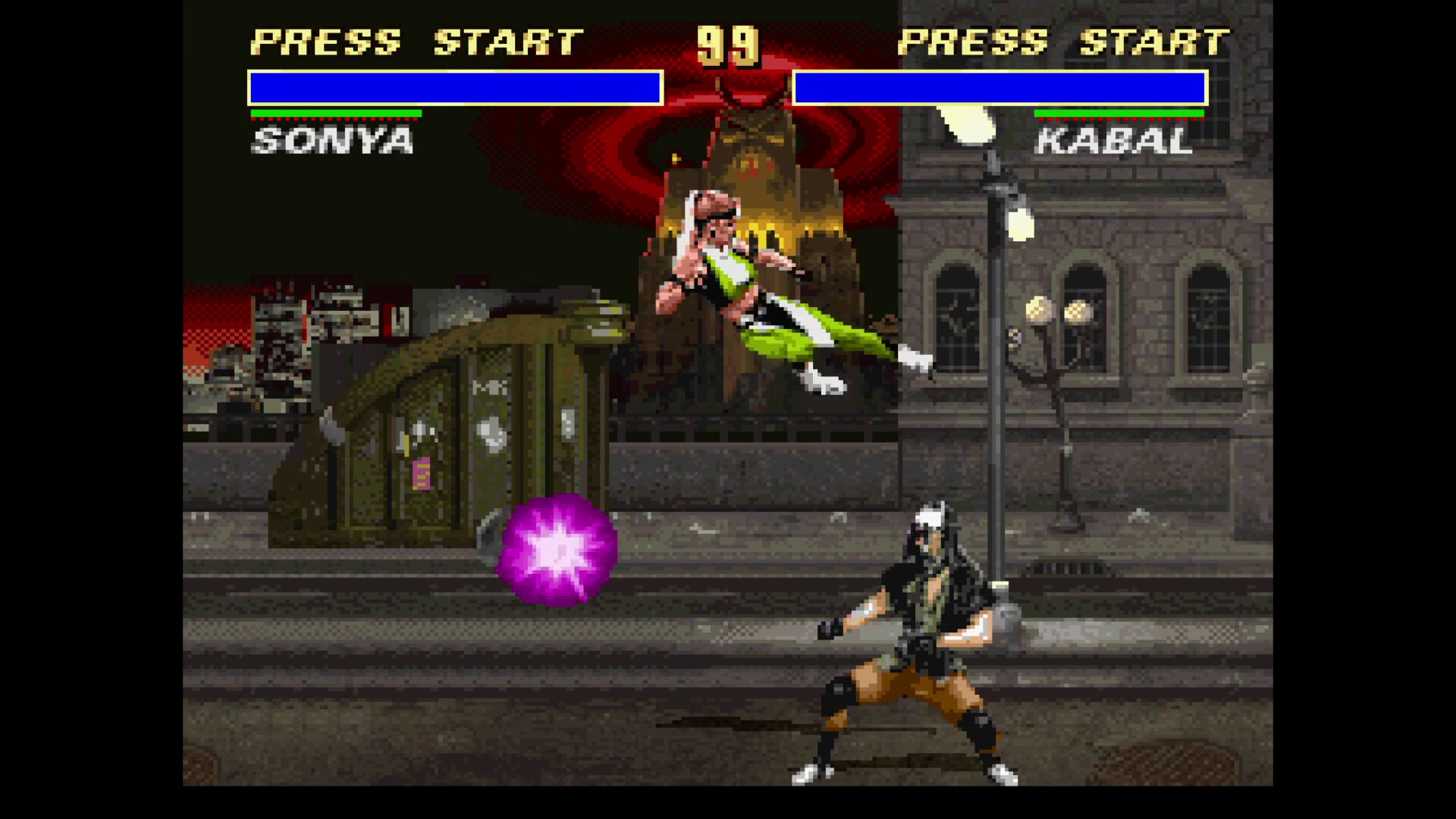
The core gameplay centers on the iconic, brutal one on one Action that defined a generation. Featuring the original roster of classic fighters, players can engage in meticulously recreated tournaments, mastering signature special moves, finishing techniques, and the legendary fatalities. The fluid controls and responsive combat mechanics of the original titles are faithfully preserved, while modern enhancements ensure a smooth, competitive experience on contemporary platforms. The focus remains squarely on challenging, high skill Action that requires strategic positioning and precise timing.
This Kollection represents the latest version of the game compilation, offering a historical look at the series' origins alongside fantastic multiplayer support. You can easily download the game and jump straight into the intense arcade fighting ladder. Digital Eclipse has ensured this Action package is the most complete and authentic retro fighting experience available.
NOTE. Uploaded version: 23 May 2026 [Build 22628385]. This is Full Release and latest version of game. The game is already Packaged in ISO File and ready to run the game, read the instruction below. Due to the amount of changes to the game files and an update being greater than half the size of our last release, we decided to make a new standalone.
Game Details
- Title: Mortal Kombat Legacy Kollection
- Genre: Action
- Developer: Digital Eclipse
- Publisher: Digital Eclipse, Atari
- Release year: 2025
- Available Languages: English, French, Italian, German, Spanish - Spain, Portuguese - Brazil, Spanish - Latin America
- Release Name: Mortal.Kombat.Legacy.Kollection.v20260428-RUNE
- Game Version: Build 22628385 (upd.23.05.2026)
- Game Releaser: RUNE
- Size: 12.18 GB
System Requirements
Minimum:
Requires a 64-bit processor and operating system
OS: Windows 10 (64-bit)
Processor: Intel Core i3-4100, AMD A8-6600K
Memory: 8 GB RAM
Graphics: Nvidia GeForce GTX 460, AMD Radeon R7 250X
Storage: 16 GB available space
Recommended:
Requires a 64-bit processor and operating system
OS: Windows 11 (64-bit)
Processor: Intel Core i3-10100, AMD Ryzen 3 4300G
Memory: 16 GB RAM
Graphics: Nvidia GeForce GTX 950, AMD Radeon RX 550
Network: Broadband Internet connection
Storage: 16 GB available space
Screenshots
Video
How to Install
1. The first thing we do is download the game’s installation files.
2. Mount or burn the ISO image in the disk emulator (UltraISO program).
3. During the installation, we specify the location on the disk where we want to install it.
4. Wait until the installation process is complete, a shortcut will appear on the desktop.
5. Copy the contents of the folder «RUNE» in the folder with the game.
6. Start the game.
Download Mortal Kombat Legacy Kollection Build 22628385 (upd.23.05.2026) — RUNE
Alternative Download Links
Alternative Mirrors
Game Update History
- Mortal Kombat Legacy Kollection Build 20956921 → Build 22628385 [ 23.05.2026 ]
- Mortal Kombat Legacy Kollection Build 20581988 → Build 20956921 [ 30.12.2025 ]
- Mortal Kombat Legacy Kollection → Build 20581988 [ 30.10.2025 ]