MUSHROOMAN Build 9876623 (upd.19.12.2022)
About The Game
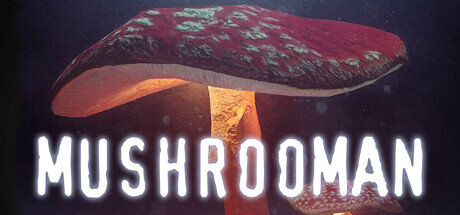
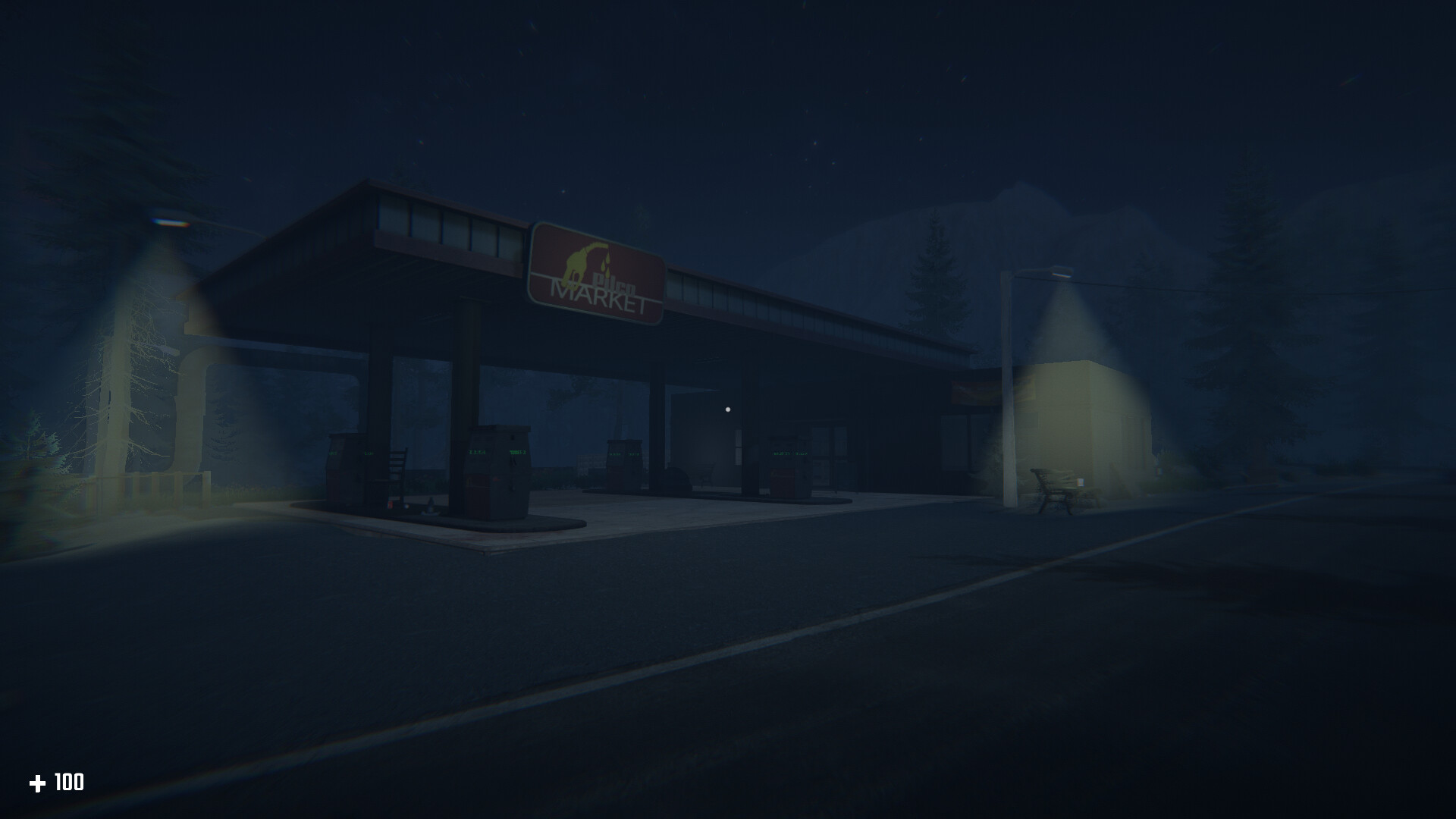
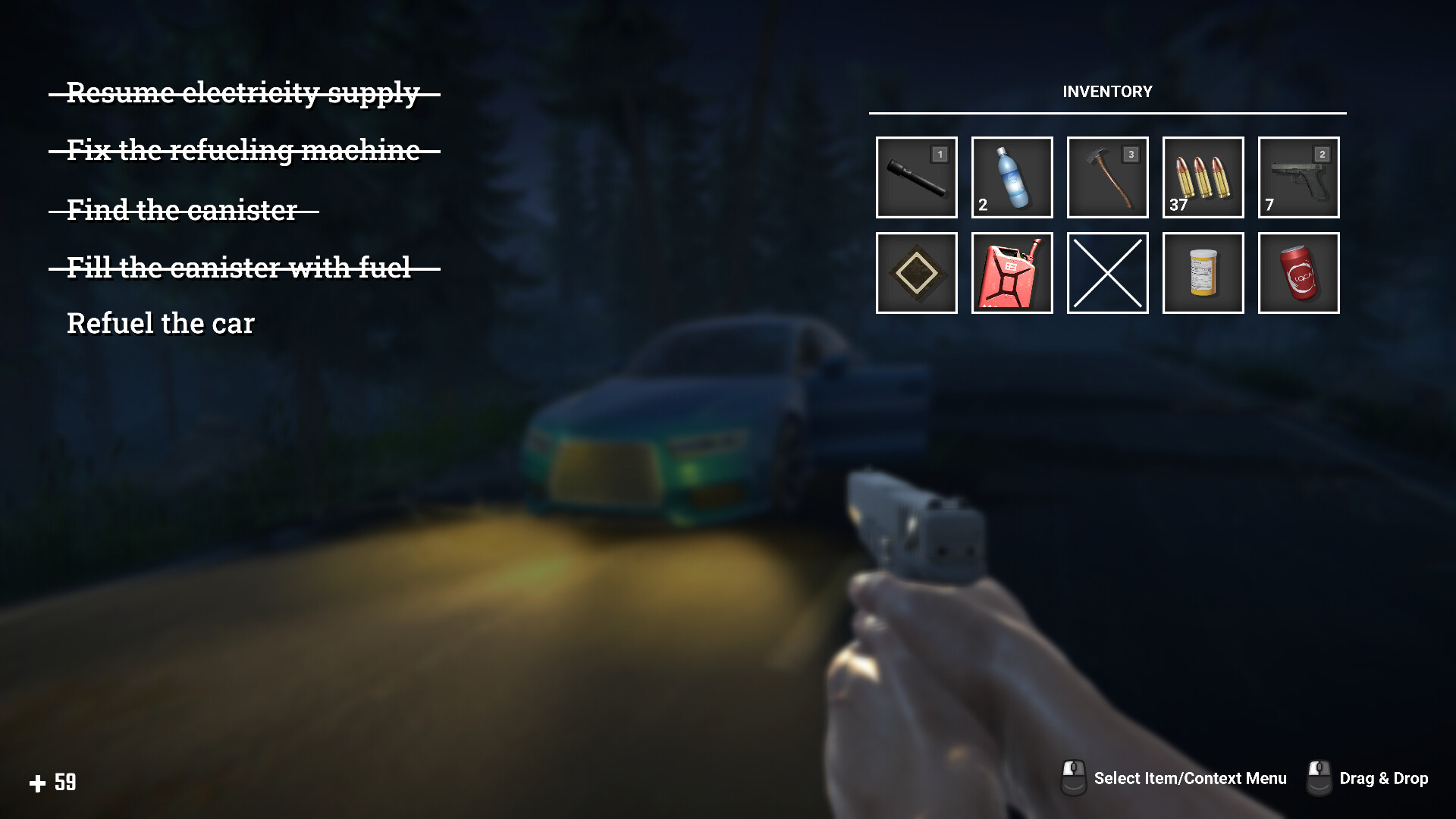
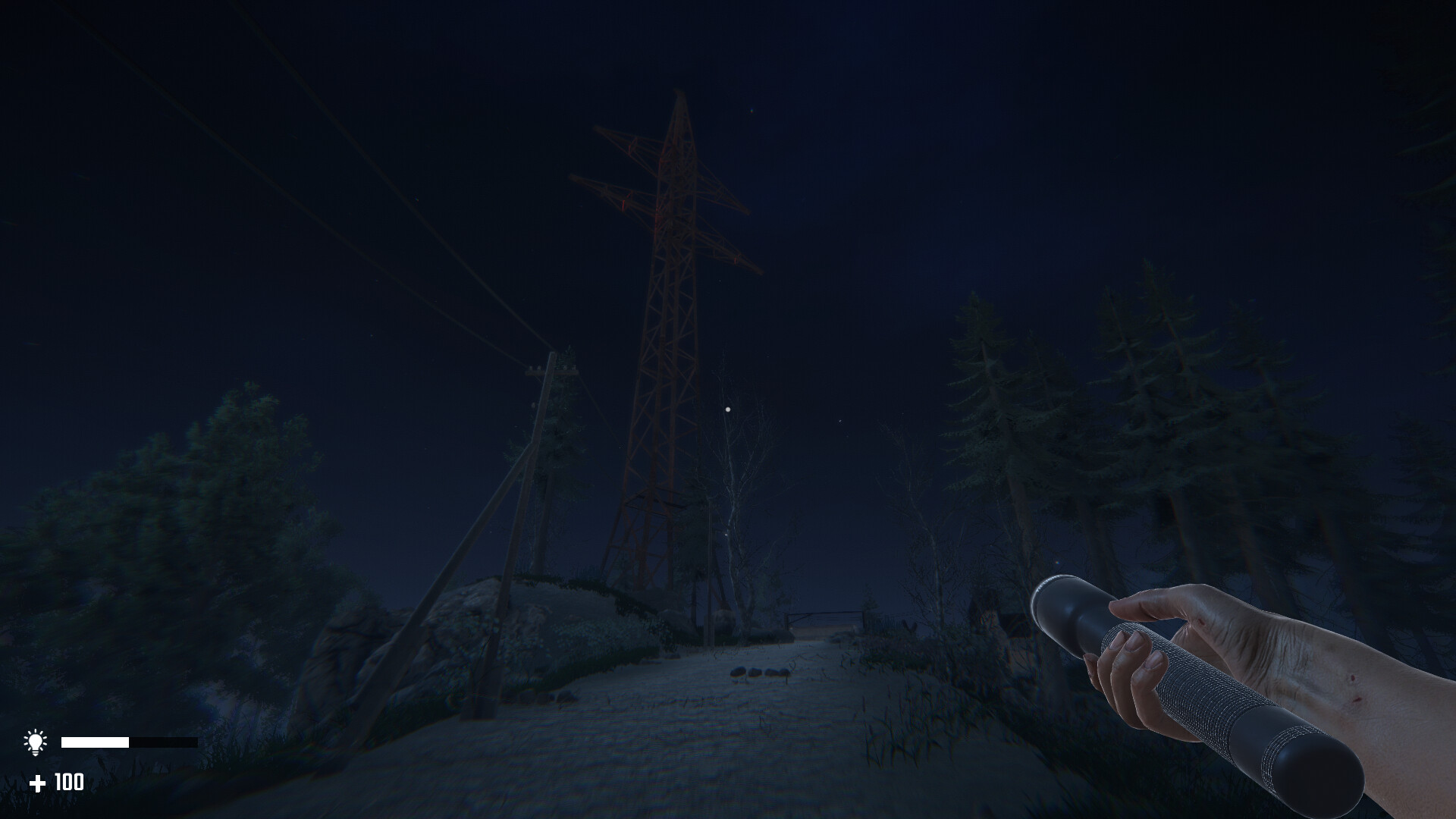
MUSHROOM — atmospheric first-person horror. In the dead of night, you were driving on a highway in the middle of dense forests, bright stars illuminated your path, mighty Christmas trees swayed in the wind, and everything was fine. However, your car suddenly ran out of gas and you had to stop in this dark wilderness. Try to find a gas station, but be careful, because you are not alone here. Something terrible roams these forests, such as giant toadstools. Use all the useful items you can find. To survive, you should explore the location. Use food and water, pills and medkits to heal wounds and restore strength. A flashlight or candles will help you not get lost in this dark forest, and a gun will allow you to fight off aggressive monsters or at least feel less helpless. In the best traditions of the genre, this is a forest. Dense dark forest. Try to remember the area and navigate on the map so as not to get lost and disturb the local residents. Although, I will still notice you.
Game Details
- Title: MUSHROOMAN
- Genre: Action, Adventure, Indie, RPG, Simulation
- Developer: Astra Games
- Publisher: Astra Games
- Release year: 2022
- Available Languages: English
- Release Name: MUSHROOMAN Build 9876623 (upd.19.12.2022)
- Game Version: Build 9876623 (upd.19.12.2022)
- Size: 10.21 GB
Key Features
- Classic indie horror atmosphere on Unity. You are all alone here, no help will come, a dim flashlight (which also constantly runs out of batteries) is your only friend.
- An atmospheric night forest that you need to explore if you want to get out of here.
- Search for weapons and other useful items. This will help you survive.
- Detailed menu of graphics settings, management and saving progress.
- Killer mushrooms.
System Requirements
MINIMUM:
OS: Windows 7 64-bit or higher
Processor: Intel Core i5-2300 2.8 GHz / AMD FX-6300, 3.5 GHz
Memory: 8 GB RAM
Graphics: Nvidia GeForce GTX 760, (2 GB VRAM) | AMD Radeon HD 7870, (2 GB VRAM)
Storage: 10 GB available space
RECOMMENDED:
OS: Windows 7 64-bit or higher
Processor: Intel Core i7-3770 | AMD FX-8350
Memory: 8 GB RAM
Graphics: AMD Radeon RX 560 with (4GB VRAM) | NVIDIA GeForce GTX 1060 Ti (4GB VRAM )
Storage: 10 GB available space
Screenshots
Video
How to Install
1. The first thing we do is download the game’s installation files.
2. After downloaded, go to the folder and run the file «setup.exe».
3. During the installation, we specify the location on the disk where we want to install it.
4. At the end of the unpacking process, a shortcut appears on the desktop.
5. Start the game.
Download MUSHROOMAN Build 9876623 (upd.19.12.2022)
Alternative Download Links
Alternative Mirrors
Game Update History
- MUSHROOMAN → v1.0 Build 9876623 [ 19.12.2022 ]