Dice Legends Build 20352282 (upd.12.10.2025) - TENOKE
About The Game
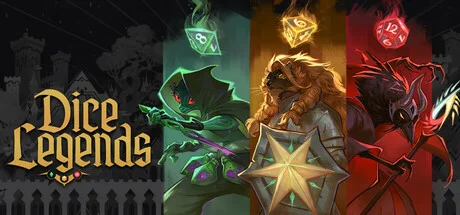
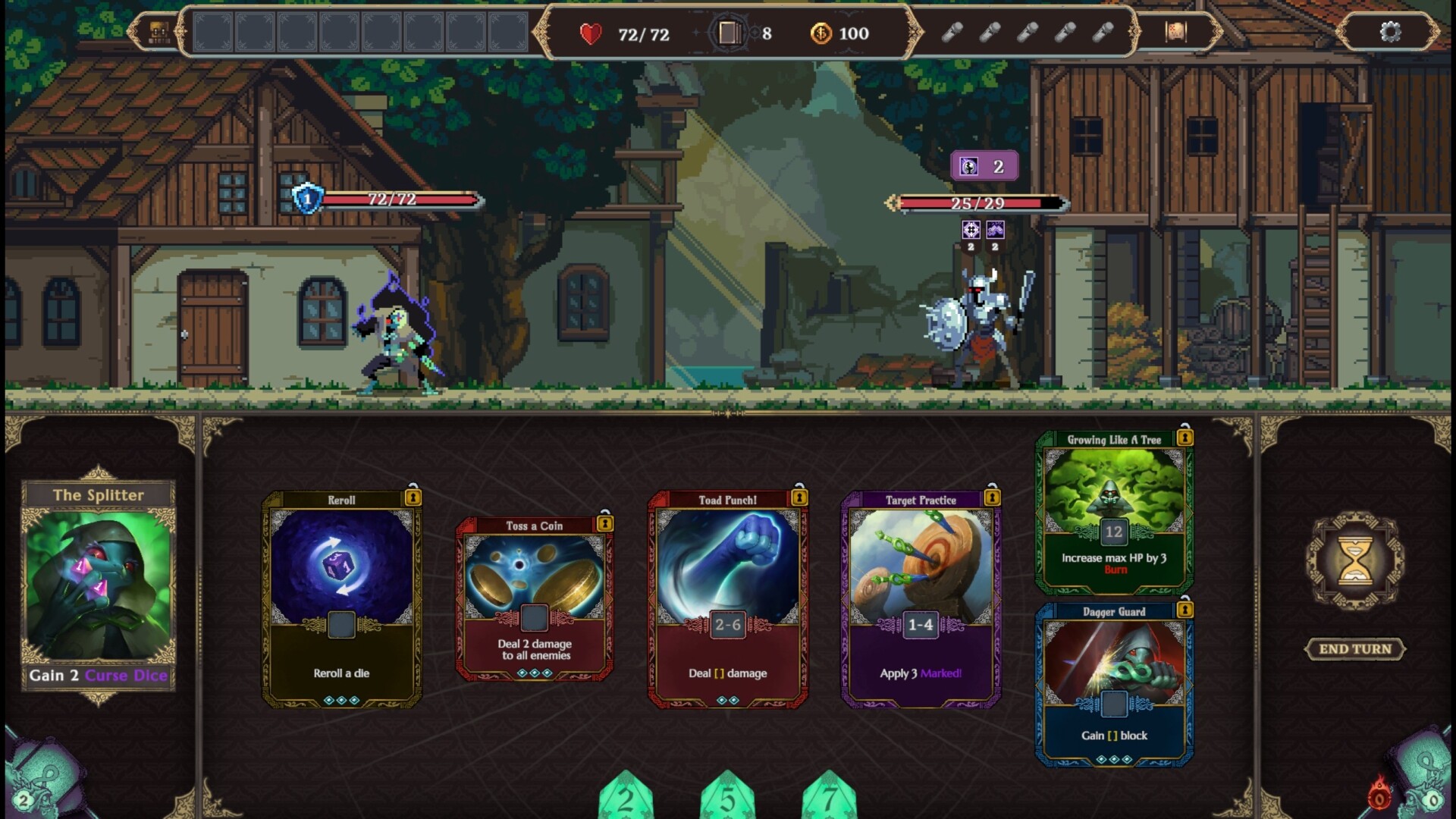
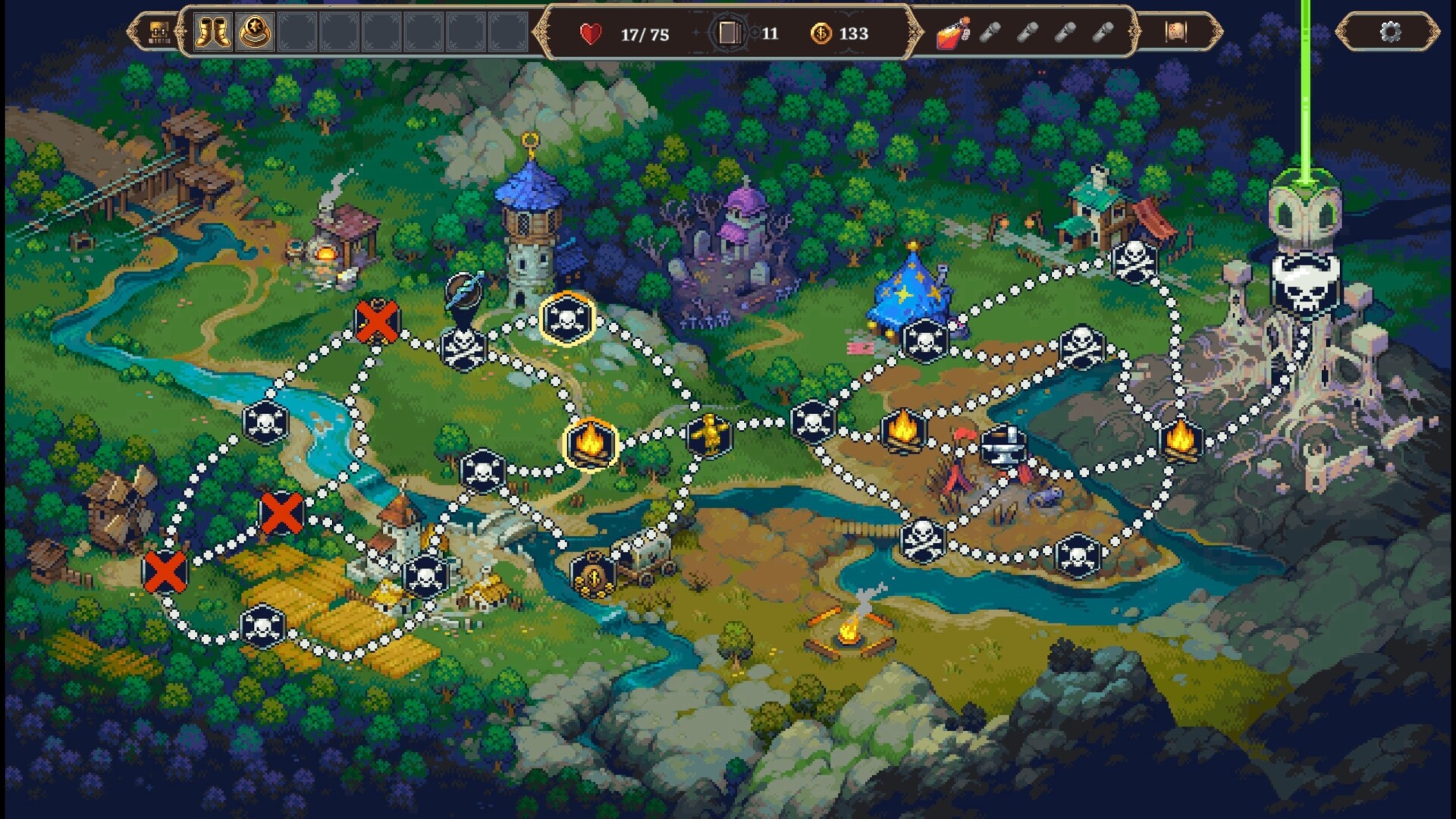
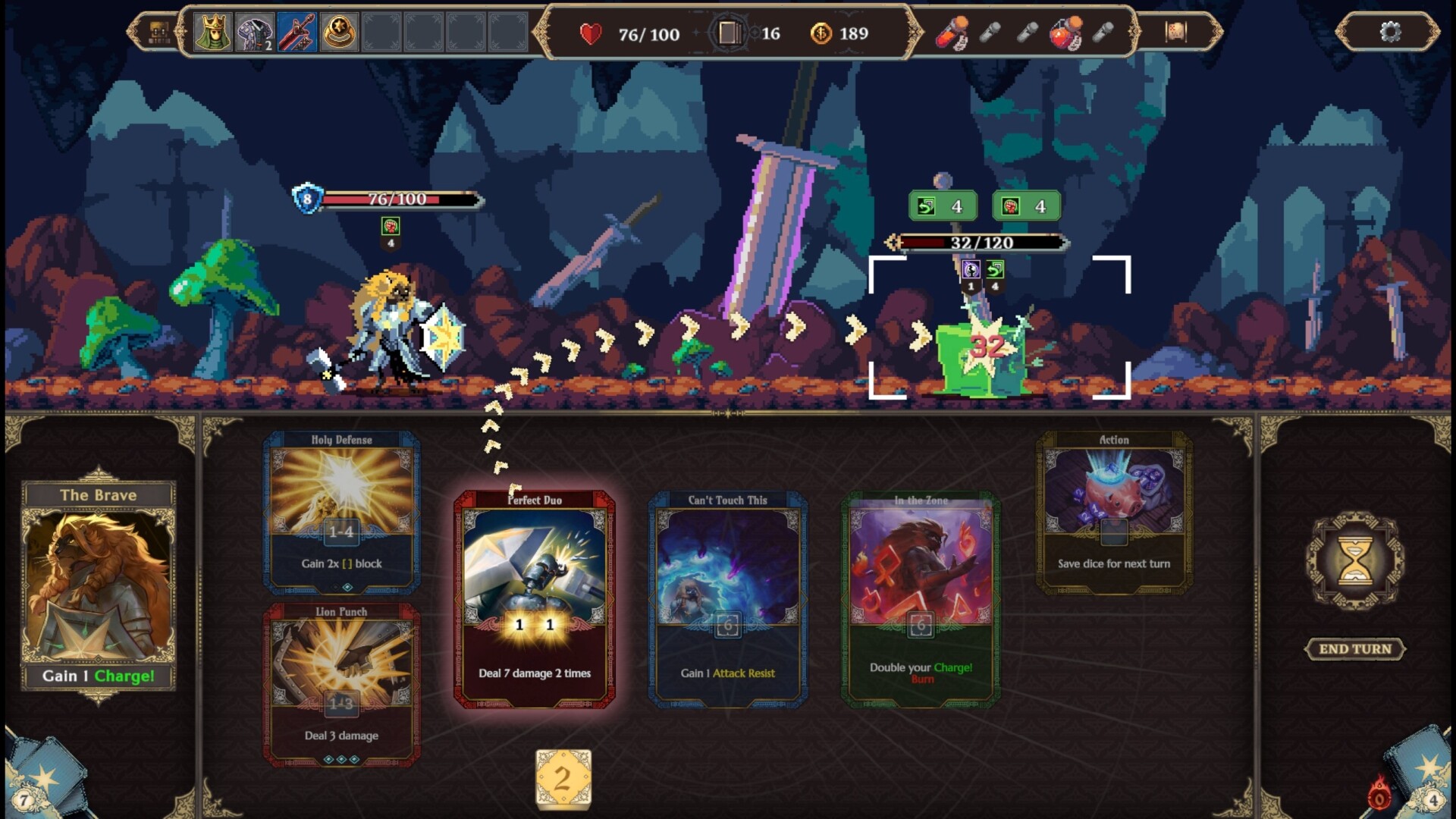
Dice Legends is an indie roguelike that combines tactical deck building with dice-based combat mechanics. You play as one of three unique heroes in a high fantasy world where humans have been transformed into monstrous beasts by a magical disaster. The game centers on three distinct character classes: Lion Paladin Ahri uses d6 dice to deal powerful damage and defense, Demon Summoner Kuro uses d12 dice to control powerful allies, and Killer Toad Sin uses d8 dice to deal critical hits and damage over time effects. Combat revolves around rolling dice each turn, playing cards from your deck, and using dice to activate abilities that attack enemies, inflict debuffs, or establish defenses.
By defeating monsters and clearing locations across four visually distinct worlds, you collect new cards and equipment that create powerful synergies with your chosen dice type. The main goal is to Manipulate the randomness of dice rolls with strategic combinations of cards, items, and bonuses to create devastating combos. The game features 160 hand-drawn cards, 75 items, and 50 enemies with varying abilities, ensuring extensive replayability through varied development paths.
The project features contributions from renowned industry figures, including world design by Rafał Jaki GWENT, Cyberpunk Edgerunners and an original soundtrack by LouisF composer of Balatro. Your ultimate goal is to uncover the mystery of the world's transformation and assemble the perfect combination of cards and equipment to defeat the final boss.
NOTE. Uploaded version: 12 October 2025 [Build 20352282]. This is Full Release and latest version of game. The game is already Packaged in ISO File and ready to run the game, read the instruction below.
Game Details
- Title: Dice Legends
- Genre: Casual
- Developer: Big Bite Games, Ad Luna
- Publisher: Ad Luna, Big Bite Games
- Release year: 2025
- Available Languages: English, French, German, Spanish - Spain, Polish, Simplified Chinese, Ukrainian
- Release Name: Dice.Legends.Build.20352282-TENOKE
- Game Version: Build 20352282 (upd.12.10.2025)
- Game Releaser: TENOKE
- Size: 892.26 MB
System Requirements
Minimum:
OS: Windows 10
Processor: Intel Pentium CPU G860
Memory: 1 GB RAM
Graphics: NVIDIA GeForce 840M
DirectX: Version 11
Storage: 3 GB available space
Screenshots
How to Install
1. The first thing we do is download the game’s installation files.
2. Unzip the archive to the hard disk.
3. Mount or burn the ISO image in the disk emulator (UltraISO program).
4. After mount ISO, go to the folder and run the file «setup.exe».
5. During the installation, we specify the location on the disk where we want to install it.
6. Copy the contents of the folder «CRACK» in the folder with the game.
7. At the end of the unpacking process, a shortcut appears on the desktop.
8. Launch the game!
Download Dice Legends Build 20352282 (upd.12.10.2025) — TENOKE
Alternative Download Links
Alternative Mirrors
Game Update History
- Dice Legends → Build 20352282 [ 12.10.2025 ]