Food Processing Simulator v1.0.40 (upd.08.06.2026)

About The Game
Food Processing Simulator delivers a surprisingly deep industrial Simulation that focuses on the high level complexities of manufacturing and logistical oversight. Rather than just placing machines, players must act as architects of a global supply chain, where every decision impacts the long term viability of their corporate career. Success is built on a foundation of efficient layout design and the meticulous calibration of production rates to meet shifting market demands.
The heart of the experience is rooted in rigorous facility Management. You are tasked with overseeing the delicate balance of operational finance, where profit margins are razor thin and overhead costs for electricity and maintenance are constant pressures. Strategic investments in new technology or larger processing bays are necessary for growth, but they require a careful analysis of your current cash flow to avoid bankruptcy.
Developing a robust corporate strategy involves more than just speed; it requires high level optimization of every conveyor belt and sorter. The game features a comprehensive technological tree where you can invest in automated training modules for your staff and advanced AI for your production lines. These upgrades gradually shift the gameplay from manual intervention to high level systemic supervision, rewarding players who plan several steps ahead.
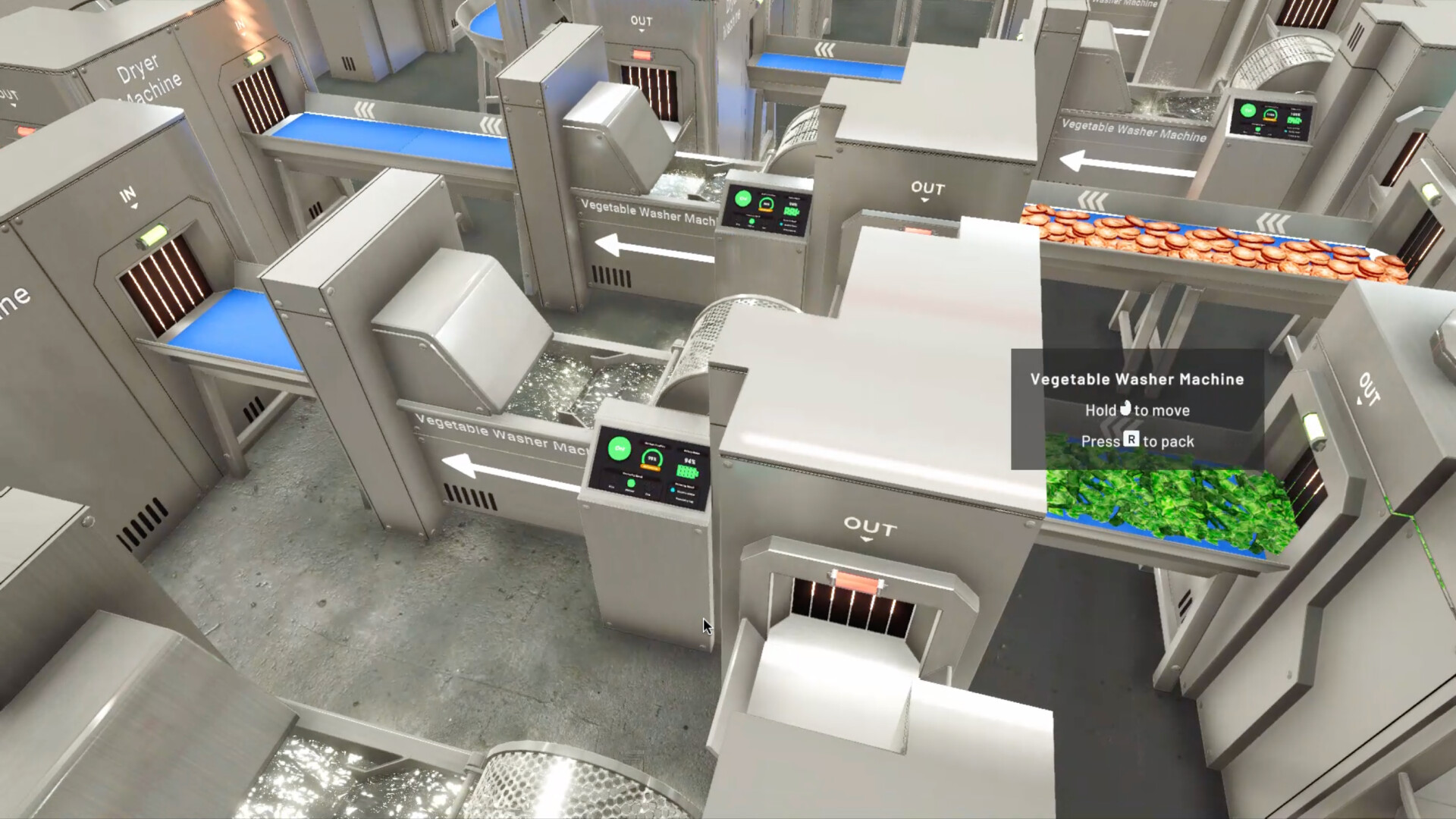
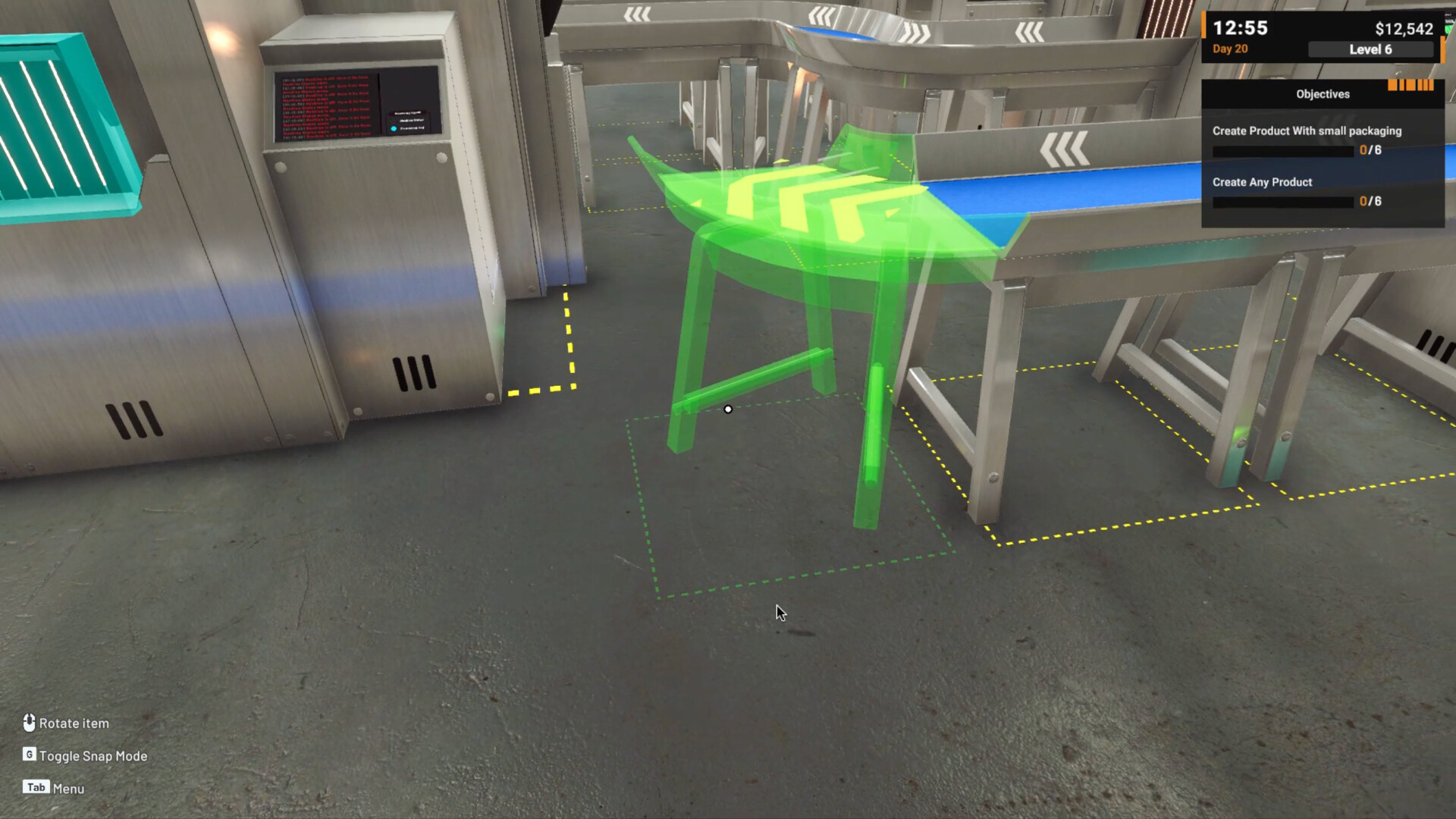
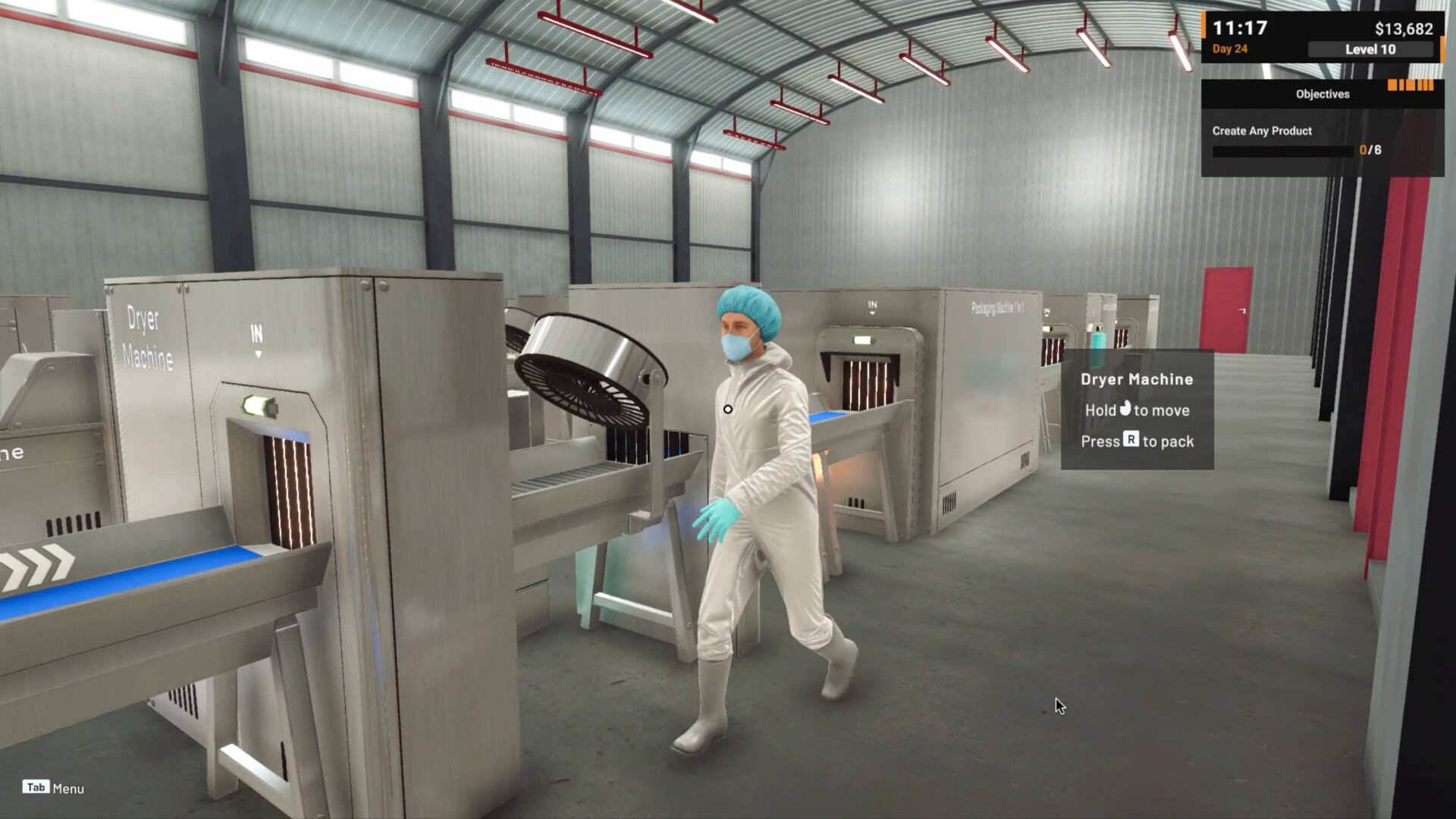
As an Early Access title, the progression loop is already satisfyingly complex, offering various tiers of food complexity from simple raw sorting to intricate multi stage packaging. Each new product line introduces unique logistical hurdles that test your ability to adapt your existing infrastructure. For a comprehensive look at the detailed financial charts and facility expansion options, we encourage you to review the screenshots and logistics data provided on this page. You can get the latest version of the game today to start building your industrial food empire.
NOTE. Uploaded version: 8 June 2026 [v1.0.40 Build 23564567]. This is Early Access Release and latest version of game. The game is already Packaged in Installer and ready to run the game after install, read the instruction below.
Game Details
- Title: Food Processing Simulator
- Genre: Indie, Simulation, Early Access
- Developer: Bewolba Studios
- Publisher: Bewolba Studios
- Release year: 2025
- Available Languages: English, French, Italian, German, Spanish - Spain, Dutch, Hungarian, Indonesian, Japanese, Korean, Polish, Portuguese - Brazil, Portuguese - Portugal, Russian, Simplified Chinese, Traditional Chinese, Turkish, Ukrainian
- Release Name: Food.Processing.Simulator.v1.0.40.Build.23564567
- Game Version: v1.0.40 (upd.08.06.2026)
- Size: 1.55 GB
System Requirements
Minimum:
Requires a 64-bit processor and operating system
OS: Windows 10 64bit
Processor: AMD Ryzen 5 1600 / Intel Core i5-8400
Memory: 8 GB RAM
Graphics: GeForce GTX 970
DirectX: Version 11
Storage: 10 GB available space
Sound Card: DirectX compatible
Recommended:
Requires a 64-bit processor and operating system
OS: Windows 10 64bit
Processor: AMD Ryzen 5 3600 / Intel Core i7 7700K
Memory: 16 GB RAM
Graphics: GeForce GTX 1060 6GB
DirectX: Version 11
Storage: 10 GB available space
Sound Card: DirectX compatible
Screenshots
Video
How to Install
1. The first thing we do is download the game files.
2. Unzip the archive to the hard disk. (how to unzip .rar)
3. Wait for the unpacking process to finish.
4. Start the game «Food.Processing.Simulator.exe» from game folder.
5. The language changes in the menu.
Download Food Processing Simulator v1.0.40 (upd.08.06.2026)
Alternative Download Links
Alternative Mirrors
Game Update History
- Food Processing Simulator v1.0 Build 23230177 → v1.0.40 Build 23564567 [ 08.06.2026 ]
- Food Processing Simulator Build 21475162 → v1.0 Build 23230177 [ 23.05.2026 ]
- Food Processing Simulator v0.4.21 → Build 21475162 [ 14.01.2026 ]
- Food Processing Simulator v0.4.8 → v0.4.21 Build 21334701 [ 31.12.2025 ]
- Food Processing Simulator → v0.4.8 [ 23.12.2025 ]
- Food Processing Simulator → Latest Version [ 17.12.2025 ]