Gatekeeper Crustad v1.2.0 (upd.20.02.2026) - RUNE
About The Game
Gatekeeper Crustad is a gripping game that draws you into a whirlwind of unstoppable battles and confrontations. In ancient times, powerful Ancients guarded the Heart of the Universe, the core that maintained cosmic balance and ensured the proper flow of time. But the moment came when the Deities abandoned the world, leaving it to its fate. The Invaders treacherously took advantage of the chaos and began to flood the Universe. Feel the adrenaline in every move, as the game is full of dynamics and action. Every moment is filled with tension and opportunities for your development. Destroy enemies and gain experience that will help you become stronger. Develop your character, upgrade your weapons, and hone your combat skills. Choosing a hero opens up various upgrade paths, each bringing its own unique features to the battle strategy.
NOTE. Uploaded version: 20 February 2026 [v1.2.0]. This is Full Release and latest version of game. The game is already Packaged in ISO File and ready to run the game, read the instruction below.
This release is standalone and includes the following DLC:
- Gatekeeper Supporter Pack
- Gatekeeper Crustad
Game Details
- Title: Gatekeeper Crustad
- Genre: Action, Adventure
- Developer: Gravity Lagoon
- Publisher: Gravity Lagoon
- Release year: 2026
- Available Languages: English, French, German, Japanese, Korean, Portuguese - Brazil, Russian, Ukrainian, Basque, Simplified Chinese, Traditional Chinese, Spanish - Latin America
- Release Name: Gatekeeper.Crustad.v1.2.0-RUNE
- Game Version: v1.2.0 (upd.20.02.2026)
- Game Releaser: RUNE
- Size: 2.35 GB
System Requirements
Minimum:
OS *: Windows 7 or above
Processor: Intel Core i3-6100
Memory: 4 GB RAM
Graphics: Geforce GTX 750
DirectX: Version 11
Storage: 2 GB available space
Recommended:
OS *: Windows 7 or above
Processor: Intel Core i5-9100
Memory: 8 GB RAM
Graphics: Geforce GTX 1060
DirectX: Version 11
Storage: 2 GB available space
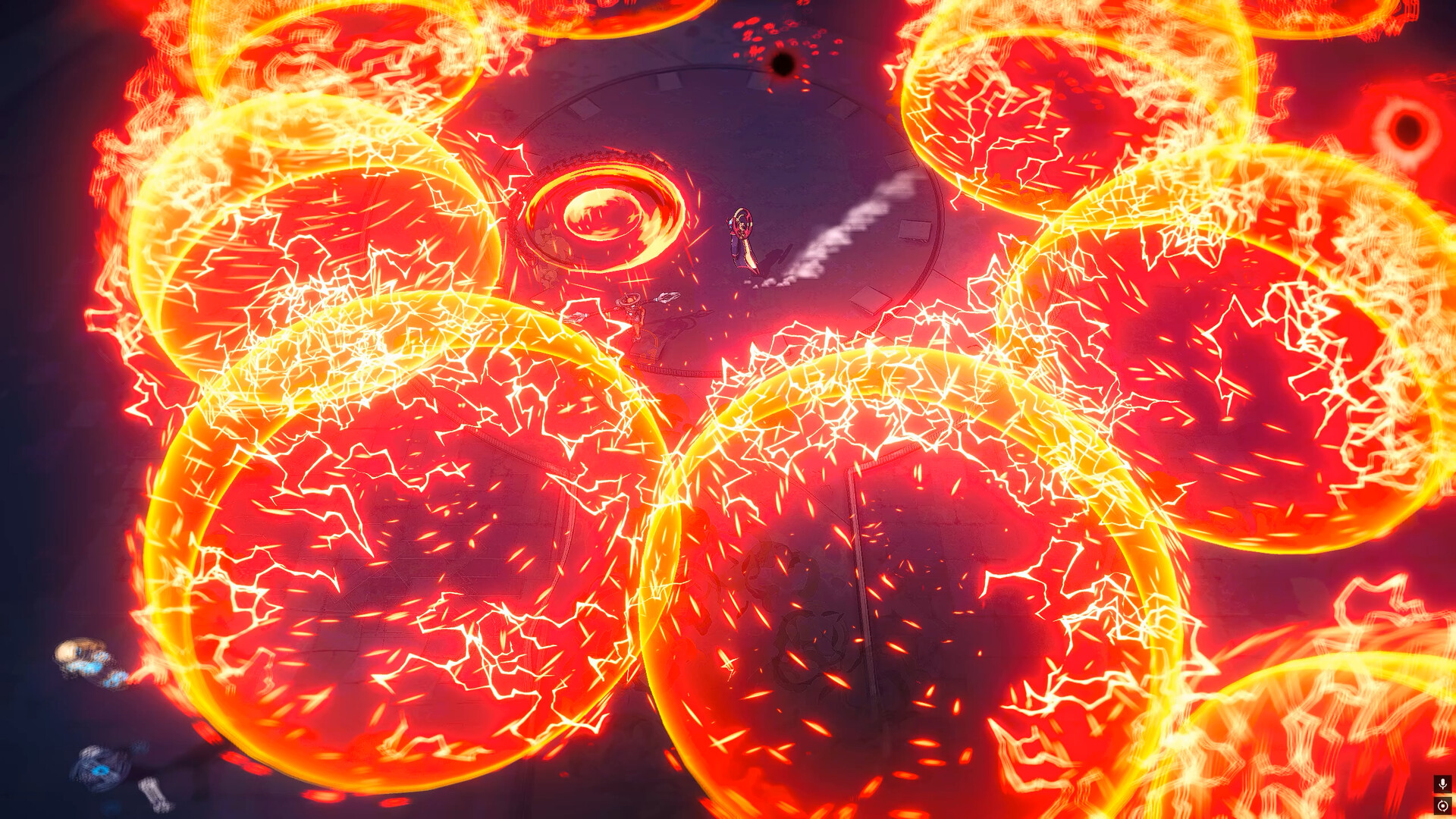
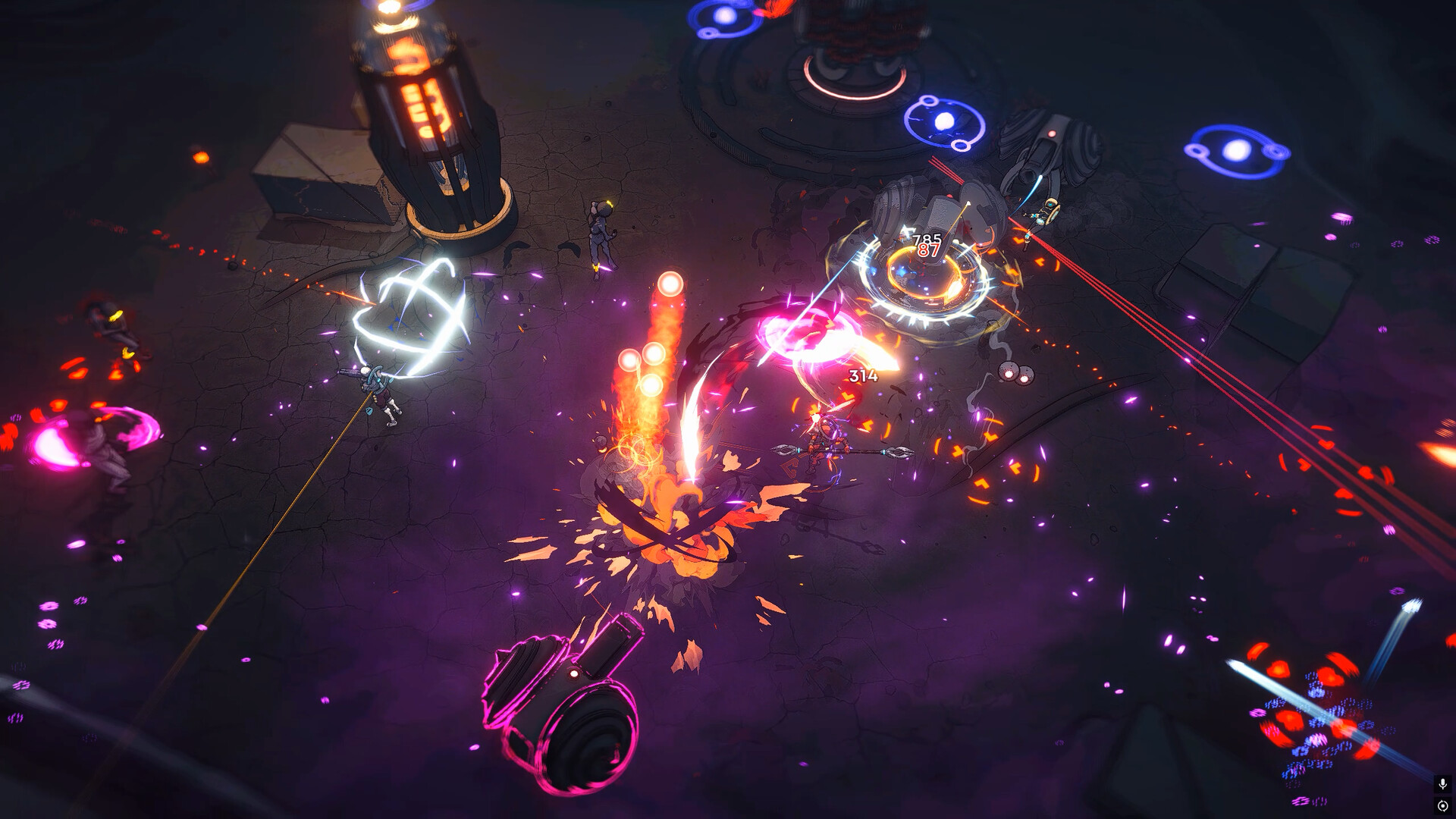
Screenshots
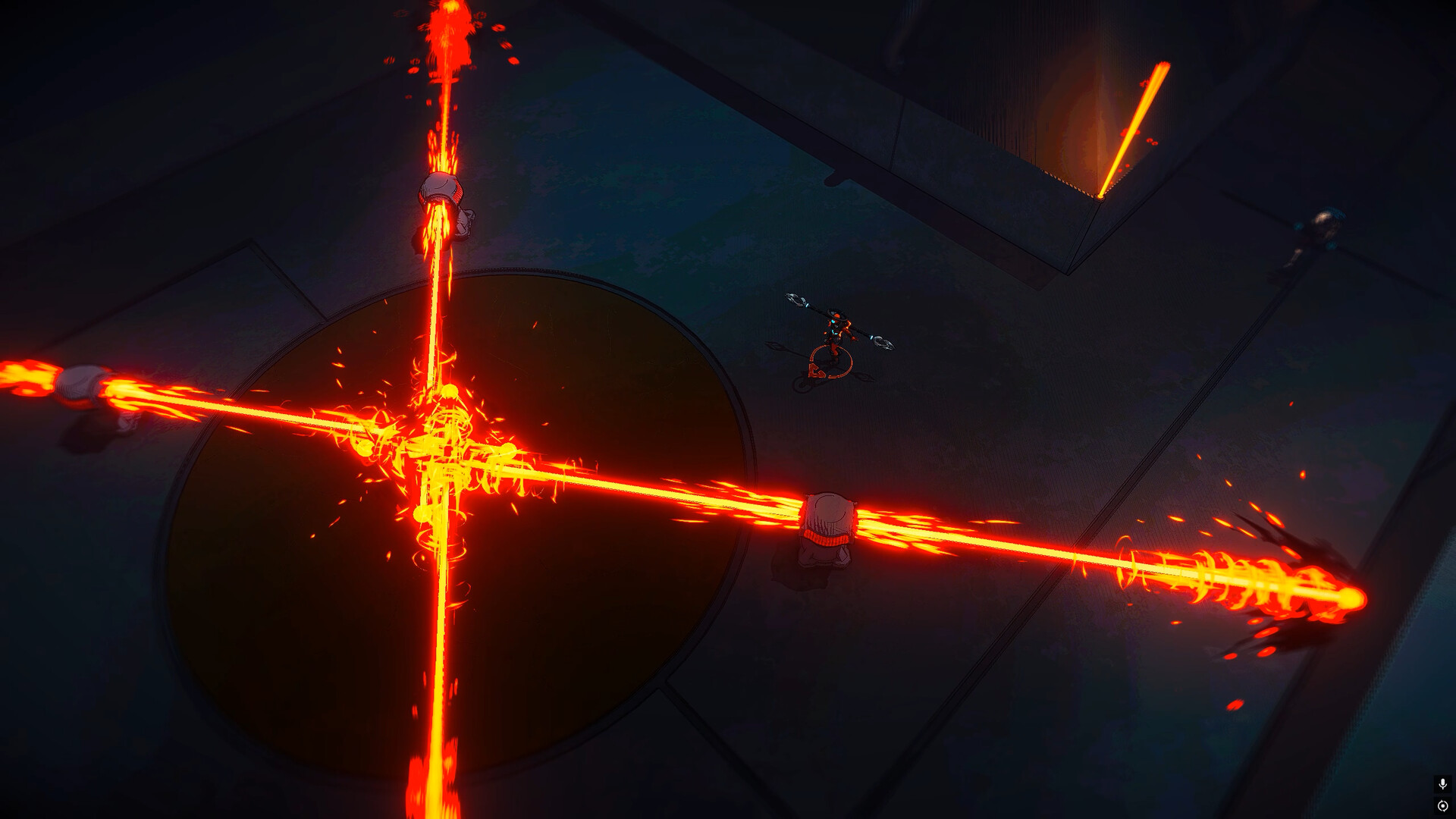
Video
How to Install
1. The first thing we do is download the game’s installation files.
2. Mount or burn the ISO image in the disk emulator (UltraISO program).
3. During the installation, we specify the location on the disk where we want to install it.
4. Wait until the installation process is complete, a shortcut will appear on the desktop.
5. Copy the contents of the folder «RUNE» in the folder with the game.
6. Start the game.
Download Gatekeeper Crustad v1.2.0 (upd.20.02.2026) — RUNE
Alternative Download Links
Alternative Mirrors
Game Update History
- Gatekeeper Crustad → v1.2.0 [ 20.02.2026 ]