Backrooms Cleanup Crew Build 31052026 (upd.31.05.2026) + Multiplayer
About The Game
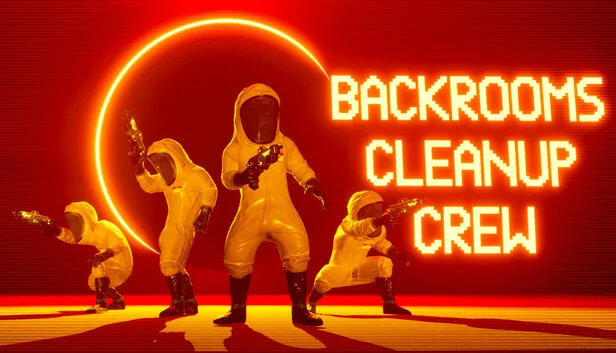
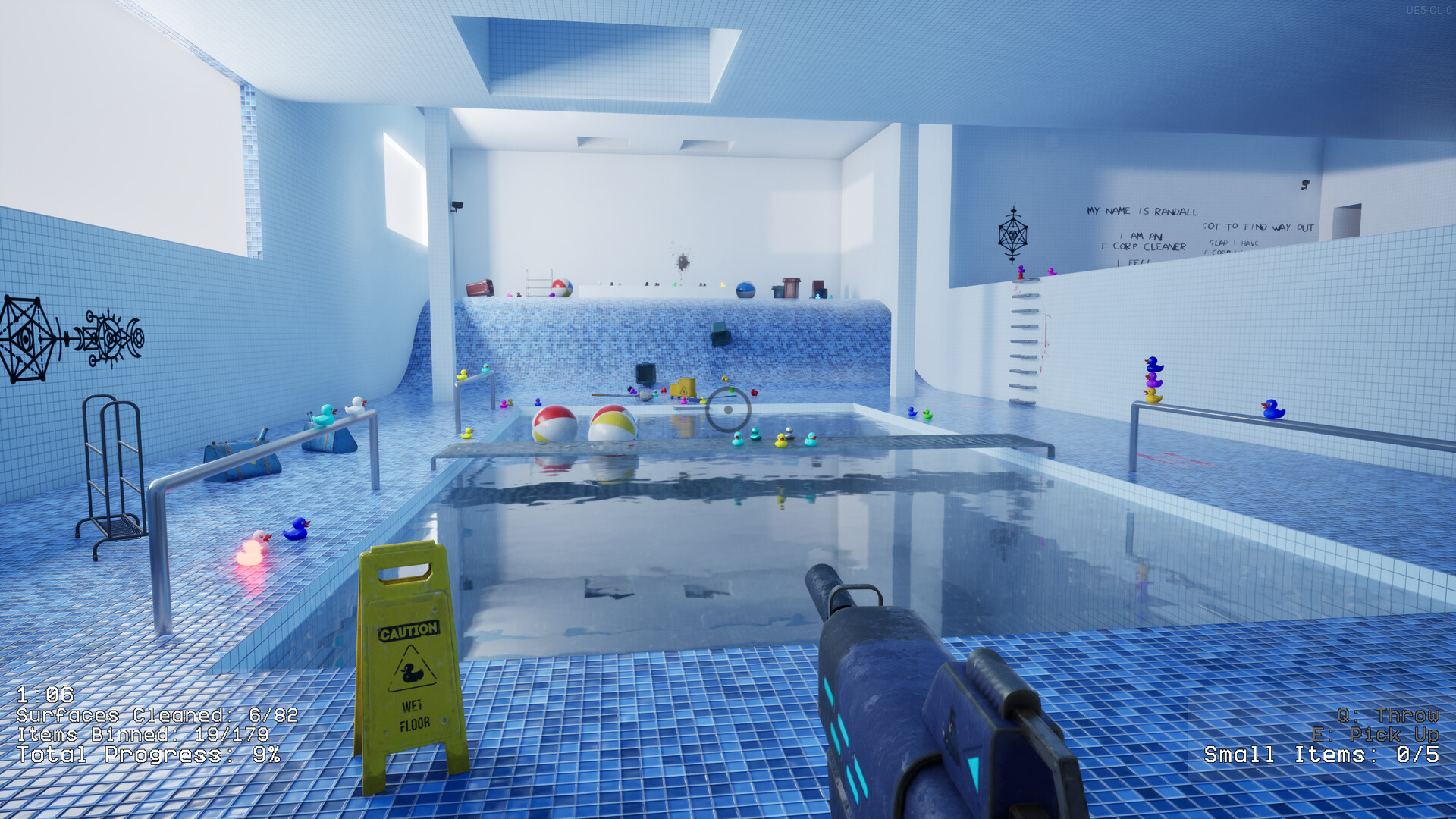
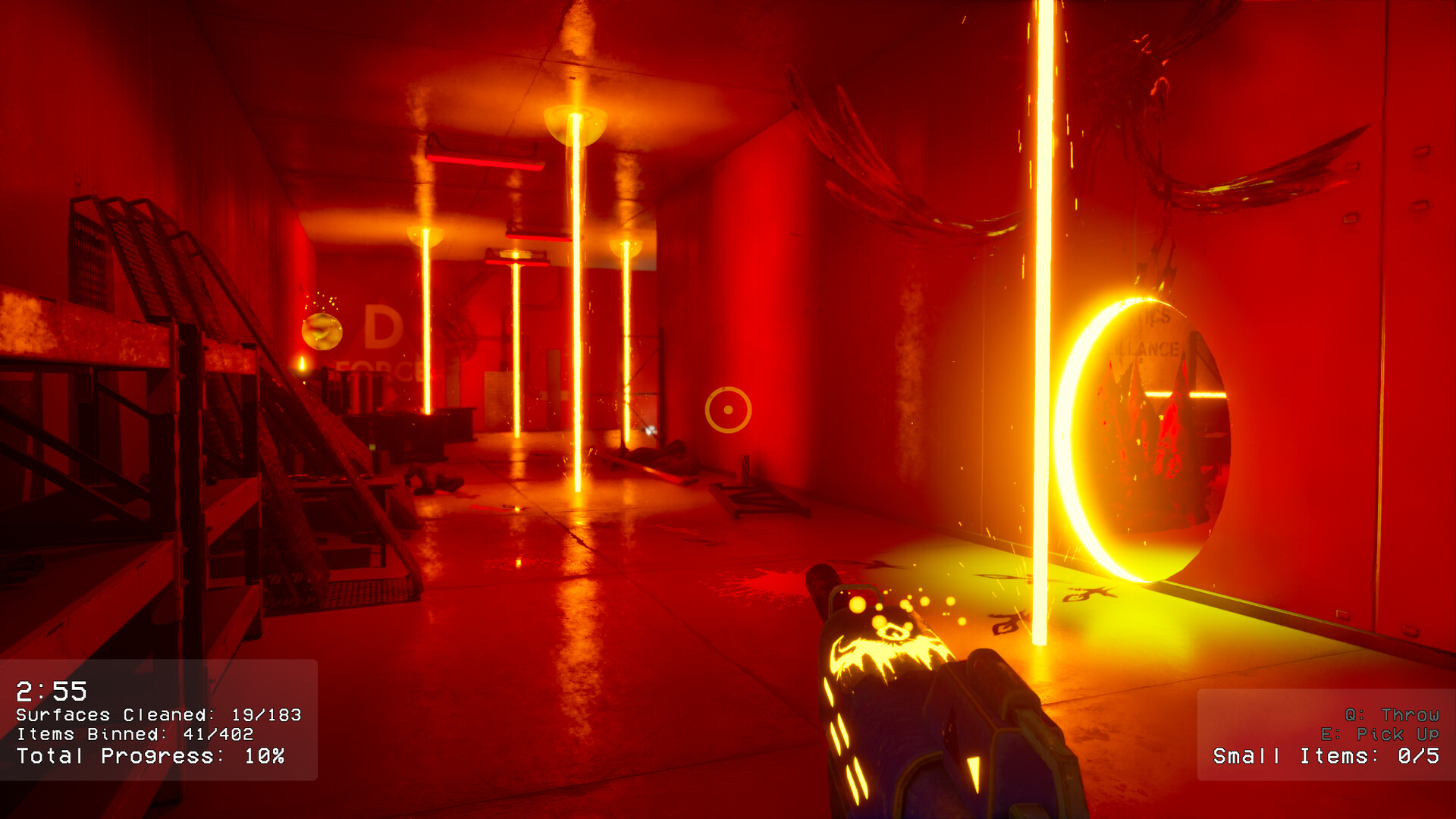
Backrooms Cleanup Crew invites online gamers to assume the roles of F-Corp personnel tasked with cleaning up areas of Backrooms following the failed expeditions of other research teams. Groups of up to four players play online, cleaning surfaces and removing all items left behind by previous visitors. In this free online game, the goal is to clean up each location, leaving no evidence of the previous group's activities or fate. This co-op simulator, which can even be played with a friend on a pirated copy, focuses on methodical cleanup under risky conditions.
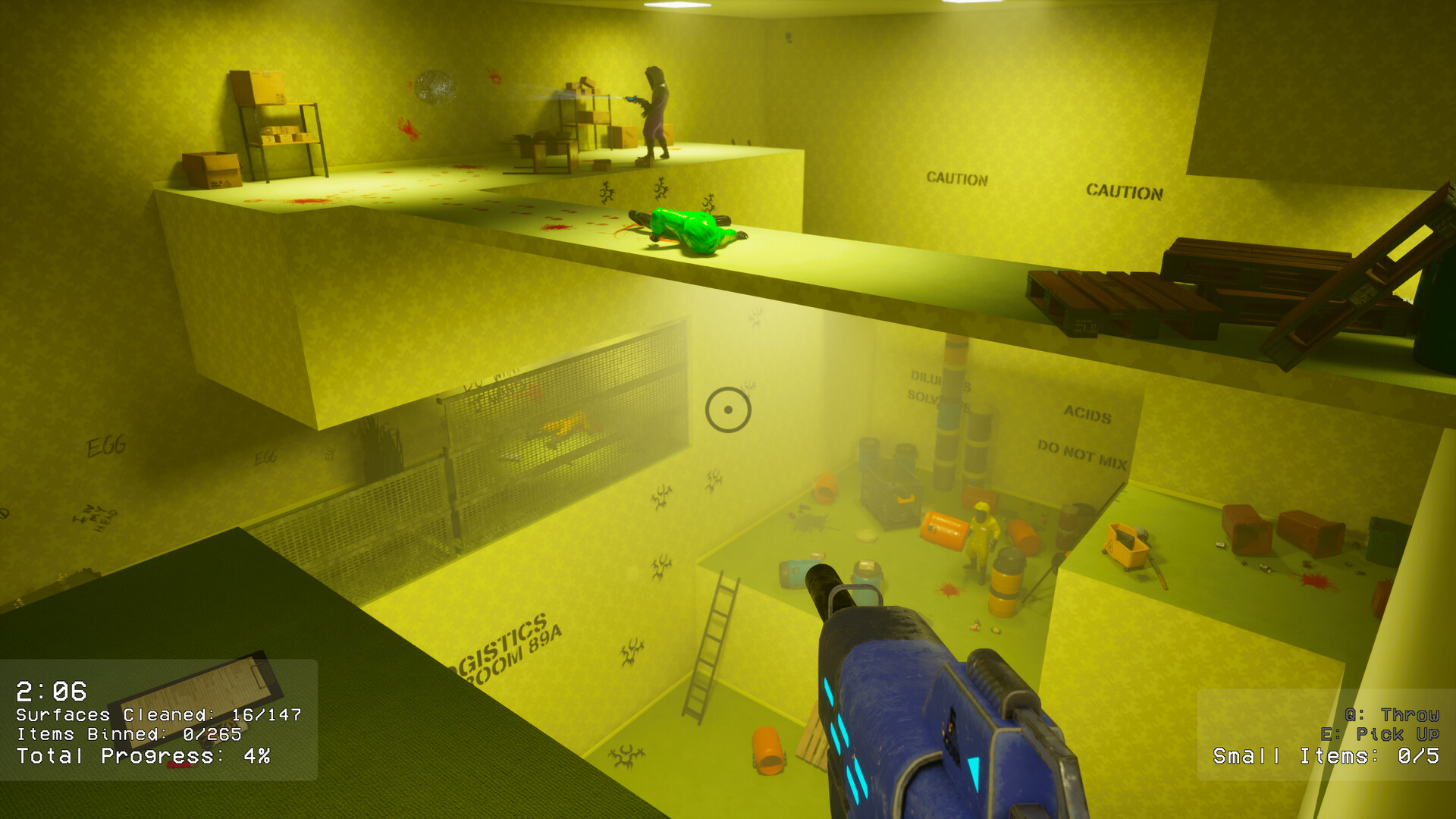
The gameplay of Backrooms Cleanup Crew combines cleaning tasks with avoiding danger. Characters operate cleaning equipment with interchangeable attachments for different surfaces and contaminants. Additionally, collecting and disposing of objects found throughout the levels is a key task; employees can throw these items across the rooms to speed up the workflow. During the game, you must avoid deadly Invasions that appear periodically; eliminating these threats requires erasing special glowing markers, which halts the current attack and temporarily increases the effectiveness of the cleanup.
In addition to the standard game rules, the project offers various operating modes that affect the session conditions. You can choose the Normal mode with a standard set of difficulties and mechanics. For increased environmental danger, the Hardcore mode increases the level of risk, while the Peaceful format eliminates Invasions entirely, allowing players to focus solely on cleanup missions without interference from external factors.
NOTE. Uploaded version: 31 May 2026 [Build 31052026]. This is Full Release and latest version of game. The game is already Pre-Installed and ready to run, read the instruction below.
Game Details
- Title: Backrooms Cleanup Crew
- Genre: Adventure
- Developer: On The Bridge Games
- Publisher: On The Bridge Games
- Release year: 2025
- Available Languages: English, French, Italian, German, Spanish - Spain, Japanese, Korean, Portuguese - Brazil, Simplified Chinese, Russian, Spanish - Latin America, Polish, Traditional Chinese
- Release Name: Backrooms.Cleanup.Crew.Build.31052026
- Game Version: Build 31052026 (upd.31.05.2026) + Multiplayer
- Size: 1.63 GB
System Requirements
Minimum:
OS: Windows 10 64-bit or higher
Processor: Intel Core i5-4670K / AMD FX-8350 CPU or equivalent
Memory: 8 GB RAM
Graphics: NVIDIA GeForce GTX 970 / AMD Radeon R9 290 or equivalent
Storage: 5 GB available space
Screenshots
Video
How to Install
1. The first thing we do is download the game files.
2. Unzip the archive to the hard disk. (how to unzip .rar)
3. Wait for the unpacking process to finish.
4. Start the game «Backrooms.Cleanup.Crew.exe» from game folder.
5. The language changes in the menu.
- Network Multiplayer Setup
- Platform: Steam
- Extract the archive from the Fix Repair folder into the game folder.
- Confirm file replacement if prompted.
- How to Launch
- Open Steam and sign in.
- Launch the game via BackroomsCleanupCrew.exe.
- In Game
- Join Lobby: Press ESC → Multiplayer → Join Lobby By Code → enter the lobby code.
- Create Server: Press ESC → Multiplayer → Create Lobby → Create → copy and share the join code with friends.
Download Backrooms Cleanup Crew Build 31052026 (upd.31.05.2026) + Multiplayer
Alternative Download Links
Alternative Mirrors
Game Update History
- Backrooms Cleanup Crew → Build 31052026 [ 31.05.2026 ]