Focus Grove v1.0.20 (upd.18.06.2026)
About The Game
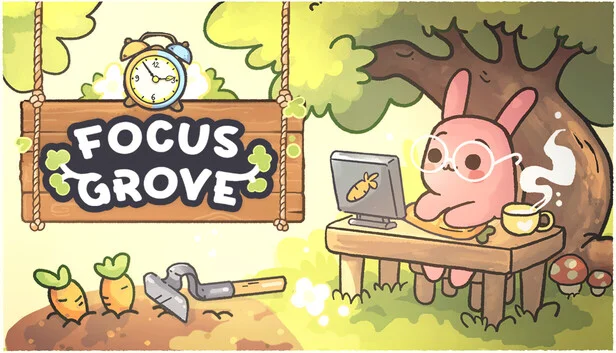
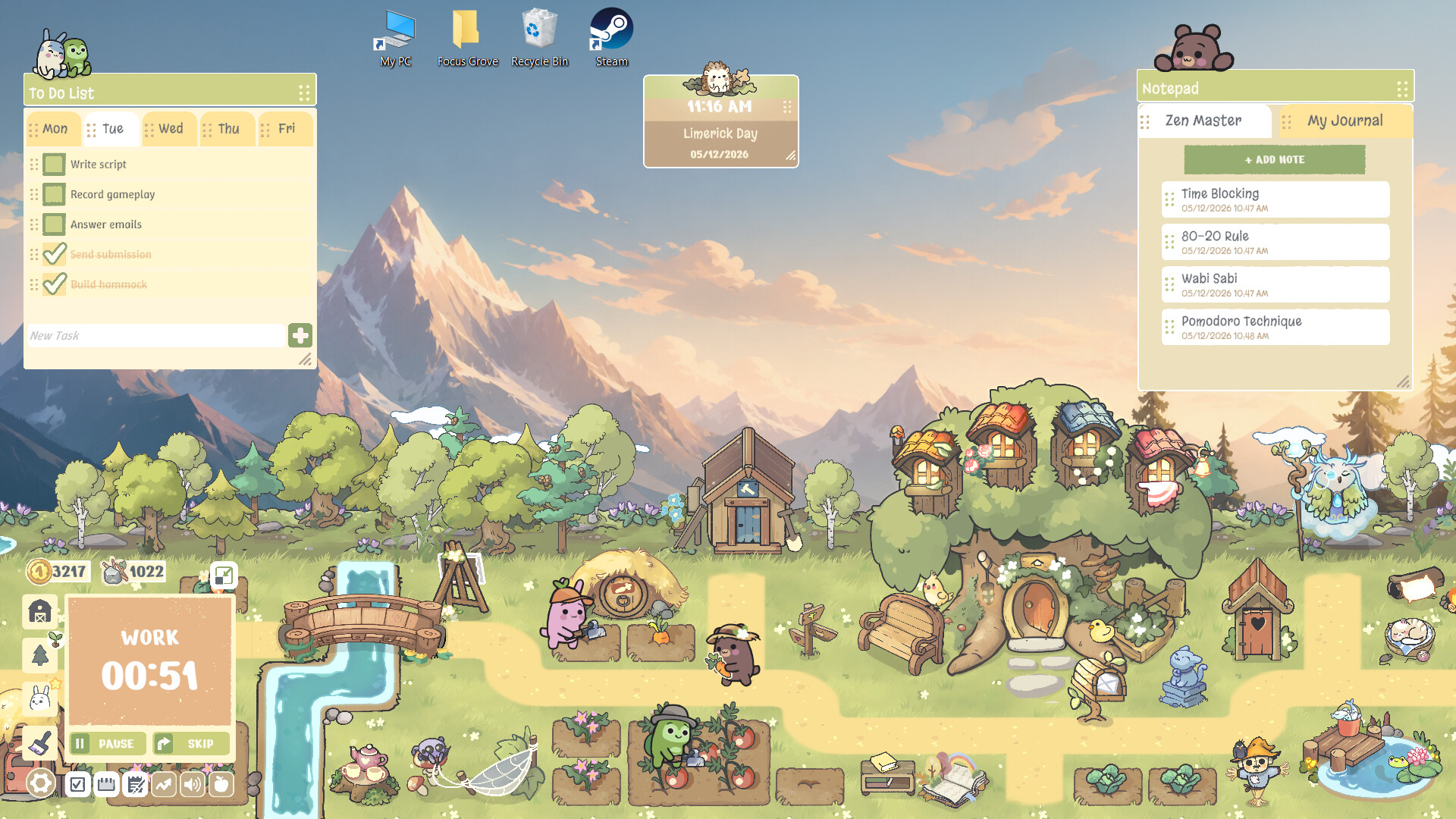
Focus Grove is an original interactive simulator where the development of a virtual forestry business is inextricably linked to real-world productivity. This unique concept aims to combat burnout through the gamification of everyday responsibilities. While the user focuses on current tasks, playful forest creatures actively construct structures and farm on the bottom panel of the screen. This approach transforms routine activities into an engaging process of shared creativity, helping to maintain motivation without compromising mental health.
A well-thought-out set of built-in features facilitates a smooth distribution of workload throughout the day. Using Focus Grove allows you to establish a healthy balance between career and relaxation by tracking personal achievements. Visible progress directly impacts the transformation of the digital space. Effective daily time management is ensured.
NOTE. Uploaded version: 18 June 2026 [v1.0.20 Build 23761277]. This is Full Release and latest version of game. The game is already Pre-Installed and ready to run, read the instruction below.
Game Details
- Title: Focus Grove
- Genre: Casual, Indie, Simulation
- Developer: Little Lantern
- Publisher: Little Lantern
- Release year: 2026
- Available Languages: English, French, Italian, German, Spanish - Spain, Japanese, Korean, Polish, Simplified Chinese, Portuguese - Portugal, Russian, Ukrainian, Portuguese - Brazil
- Release Name: Focus.Grove-v1.0.20_Build_23761277
- Game Version: v1.0.20 (upd.18.06.2026)
- Size: 249.52 MB
Key Features
- Interval concentration mechanics – periods of intense work are followed by mandatory rest periods for the characters.
- Built-in task planner – maintaining a to-do list facilitates clear workload management. Natural soundscapes—forest sounds—help completely block out external distractions.
- Interactive notepad—quickly capture spontaneous thoughts, eliminating interruptions to the workflow.
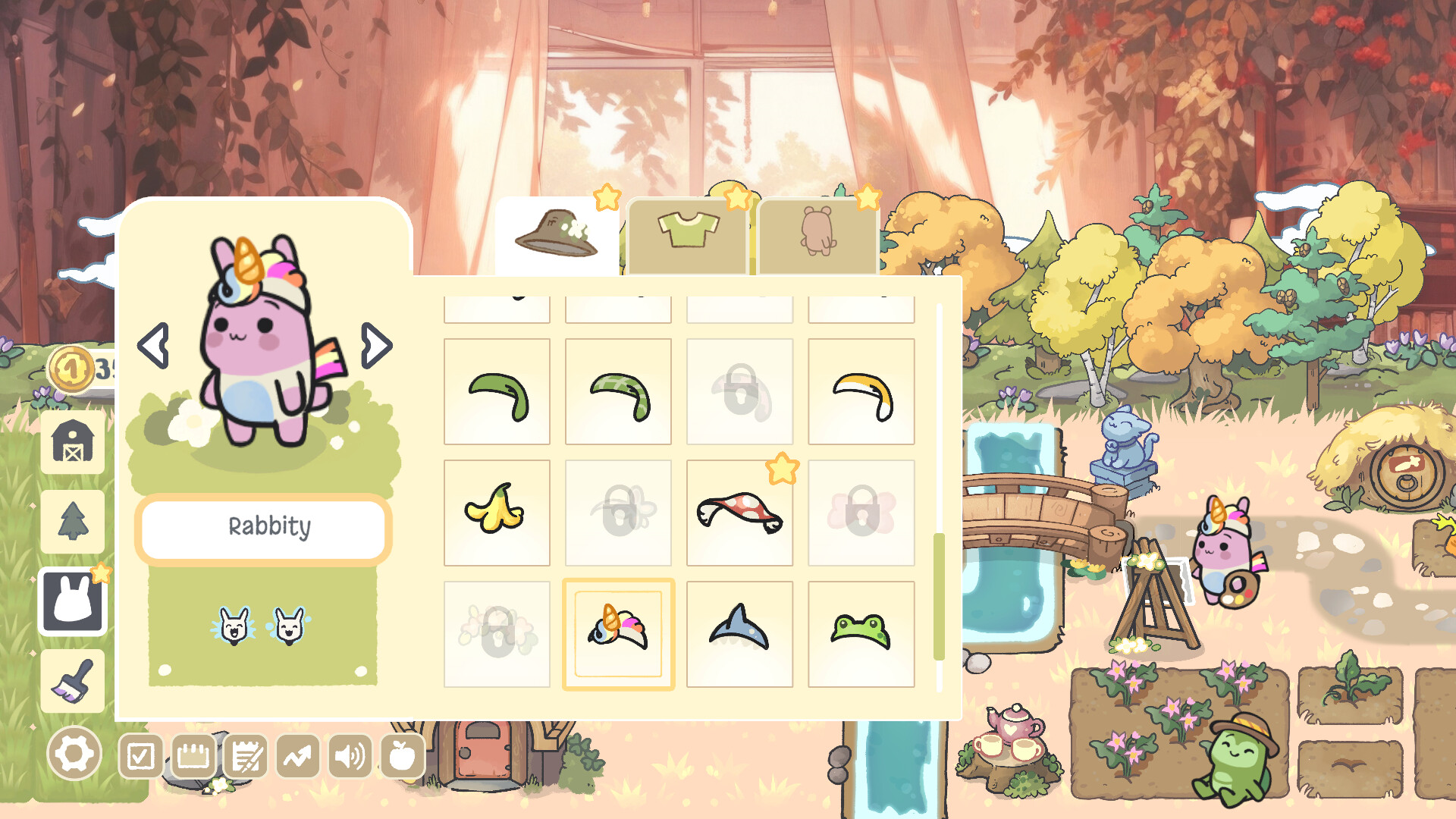
- Customization system—unlocking outfits and plants symbolizes real-life success.
System Requirements
Minimum:
OS: Windows 10 x64
Processor: Intel Core i5-2500 / AMD FX-6300 or similar
Memory: 4 GB RAM
Graphics: NVIDIA GeForce GTX 650 / AMD Radeon HD 7750 (2 GB VRAM)
Storage: 2500 MB available space
Recommended:
OS: Windows 10/11 x64
Processor: Intel Core i5-6600K / AMD Ryzen 5 1600 or better
Memory: 8 MB RAM
Graphics: NVIDIA GeForce GTX 960 / AMD Radeon R9 280 (4 GB VRAM)
Storage: 2500 MB available space
Screenshots

Video
How to Install
1. The first thing we do is download the game files.
2. Unzip the archive to the hard disk. (how to unzip .rar)
3. Wait for the unpacking process to finish.
4. Start the game «Focus.Grove.exe» from game folder.
5. The language changes in the menu.
Download Focus Grove v1.0.20 (upd.18.06.2026)
Alternative Download Links
Alternative Mirrors
Game Update History
- Focus Grove → v1.0.20 Build 23761277 [ 18.06.2026 ]