Bears In Space Build 13794061 (upd.24.03.2024) - TENOKE
About The Game
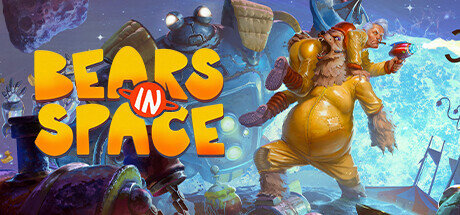
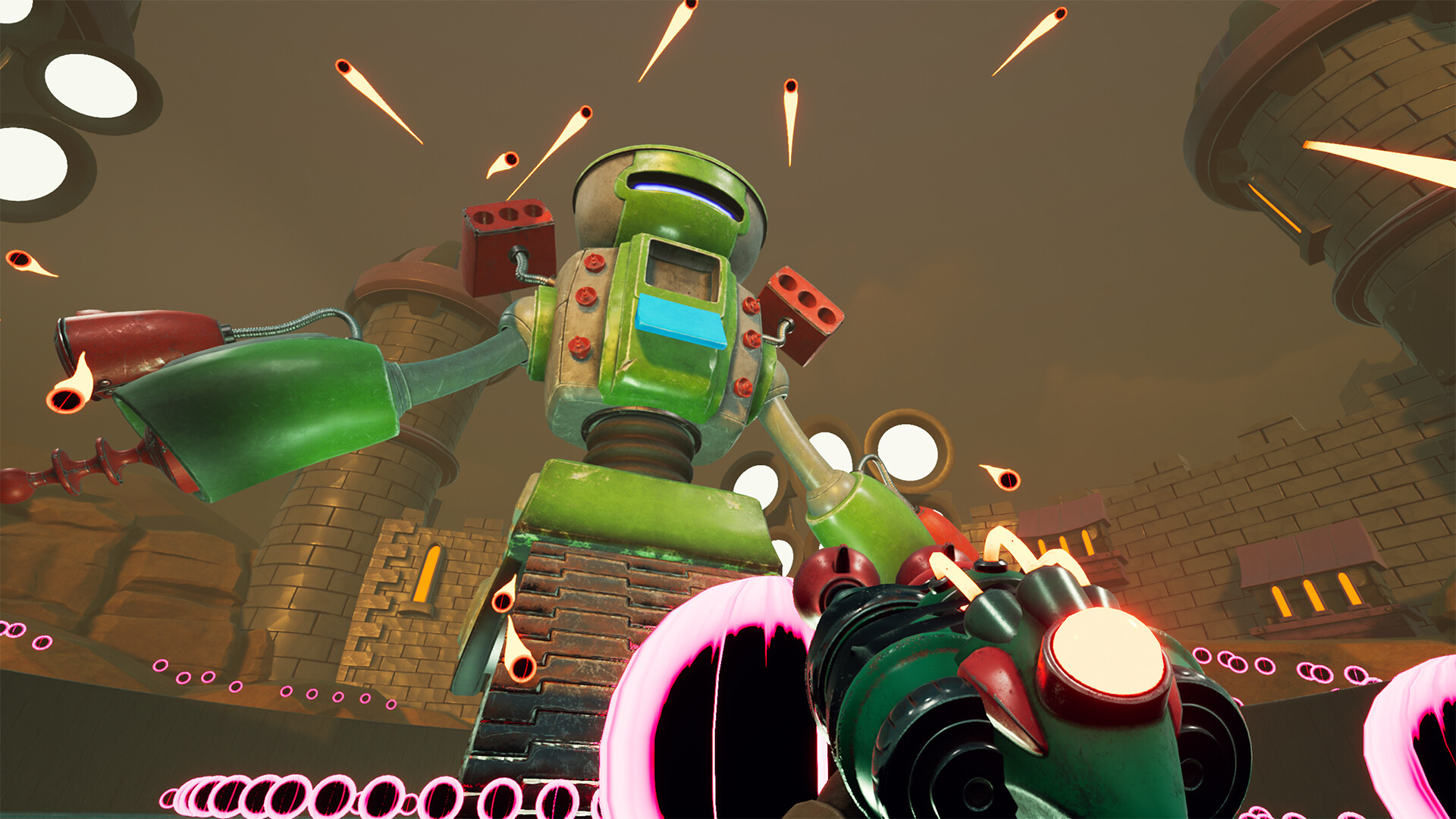
Bears In Space is a dynamic first-person shooter in which you will plunge into an exciting world of danger, battles and adventures. You will play as Maxwell Atoms, a soldier of the Solar Army who finds himself on an alien planet after a failed experiment. The only thing you have are sharp reflexes, several weapons and your bear abilities. Robot enemies will be everywhere, and you will have to deal with them in order to get out of there alive and save your team. This is a fun first-person shooter inspired by classics of the genre such as Serious Sam, Timesplitters and Ratchet and Clank.
You will travel across a hostile planet, meeting strange robots and having the ability to collect new weapons. But most importantly, you can turn into a bear to overcome difficulties and fight enemies in a new form. In this mode, you will have a variety of skills to quickly strike and overcome obstacles. And if you think that this is all too simple, then there is also a NewBear+ mode in which you can play with all open weapons and gadgets at once. And if that still doesn’t get your adrenaline pumping enough, there’s also an arcade mode that unlocks as you progress through the game. Here, every fight will be a dance on the brink of death for you, and you will have to use all your skills and tools to survive.
Game Details
- Title: Bears In Space
- Genre: Action, Adventure, Indie
- Developer: Broadside Games
- Publisher: Ravenscourt
- Release year: 2023
- Available Languages: English, French, Italian, German, Spanish - Spain, Traditional Chinese, Simplified Chinese, Japanese, Korean, Polish, Russian, Turkish, Portuguese - Brazil
- Release Name: Bears.In.Space-TENOKE
- Game Version: Build 13794061 (upd.24.03.2024)
- Game Releaser: TENOKE
- Size: 21.8 GB
System Requirements
MINIMUM:
Requires a 64-bit processor and operating system
OS: Windows 10 64-bit
Processor: 4-core CPU @ 3.2 GHz (4th Generation Intel Core i5 or higher or AMD equivalent)
Memory: 8 GB RAM
Graphics: NVIDIA GeForce GTX 970/GeForce 1060 or AMD equivalent (3 GB VRAM or more)
DirectX: Version 12
Storage: 23 GB available space
Additional Notes: * Requirements are based on 1080p rendering resolution at 60 FPS at High graphics settings * SSD recommended
RECOMMENDED:
Requires a 64-bit processor and operating system
OS: Windows 10 64-bit
Processor: 6-core CPU @ 3.6 GHz (9th Generation Intel Core i5 Processors or higher or AMD equivalent)
Memory: 16 GB RAM
Graphics: NVIDIA GeForce GTX 1080 or AMD equivalent (8 GB VRAM)
DirectX: Version 12
Storage: 23 GB available space
Additional Notes: * Requirements are based on 1080p rendering resolution at 60 FPS at High graphics settings * SSD recommended
Screenshots


Video
How to Install
1. The first thing we do is download the game’s installation files.
2. Mount or burn the ISO image in the disk emulator (UltraISO program).
3. During the installation, we specify the location on the disk where we want to install it.
4. Wait until the installation process is complete, a shortcut will appear on the desktop.
5. Copy the contents of the folder «TENOKE» in the folder with the game.
6. Start the game.
Download Bears In Space Build 13794061 (upd.24.03.2024) — TENOKE
Alternative Download Links
Alternative Mirrors
Game Update History
- Bears In Space Upcoming → Build 13794061 [ 24.03.2024 ]
- Bears In Space → Upcoming [ 19.11.2023 ]