Bowling Alley Simulator Build 24270464 (upd.20.07.2026) - TENOKE
About The Game
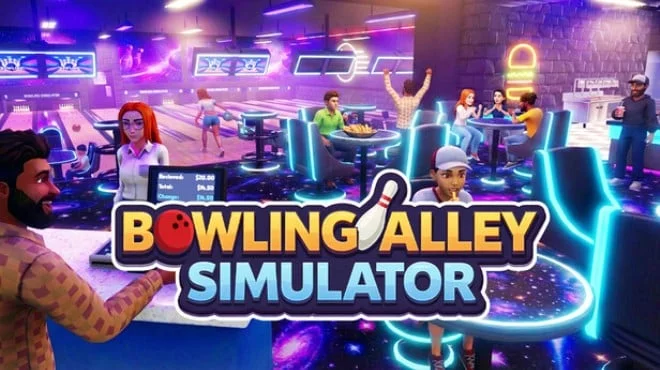
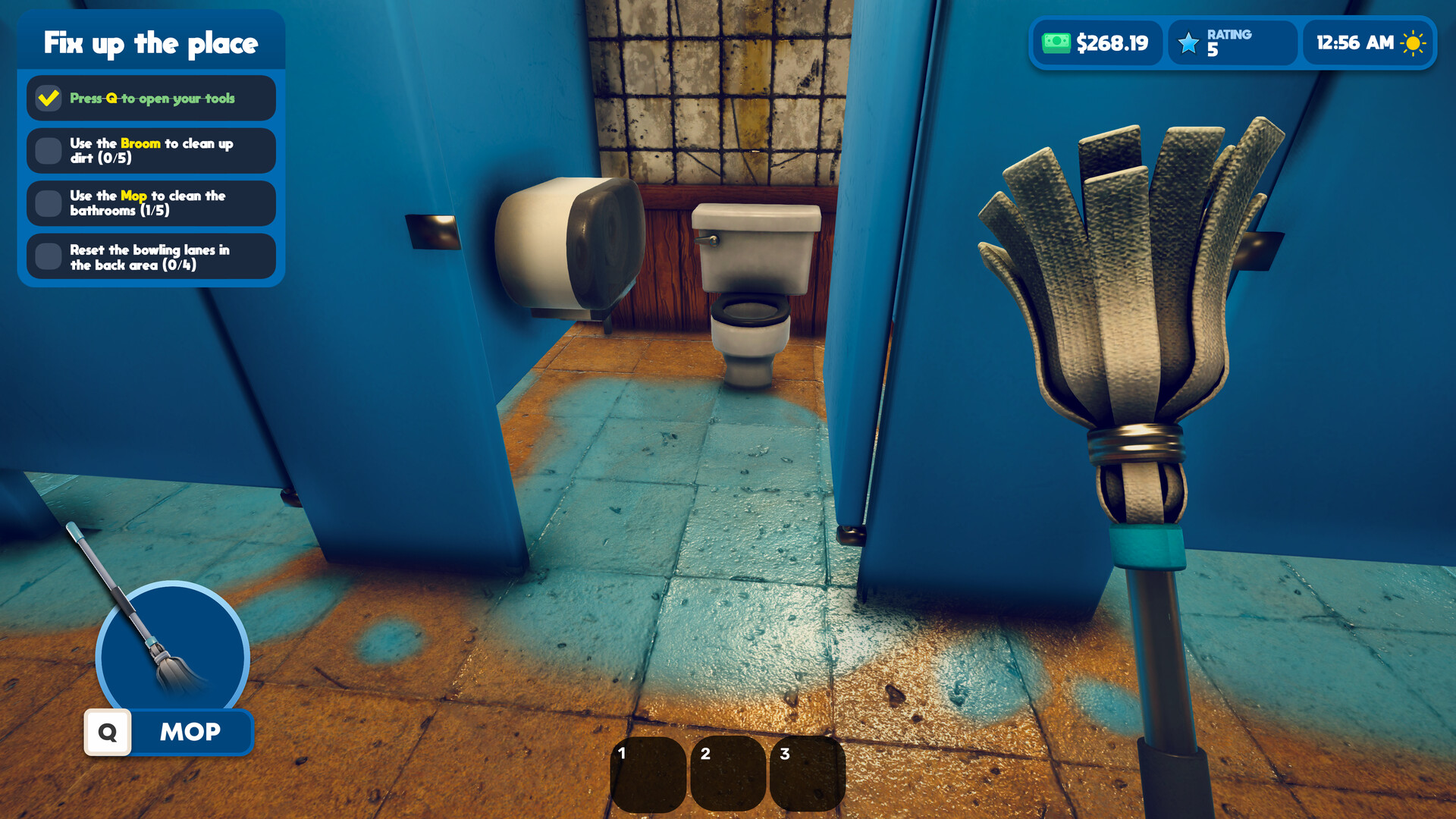
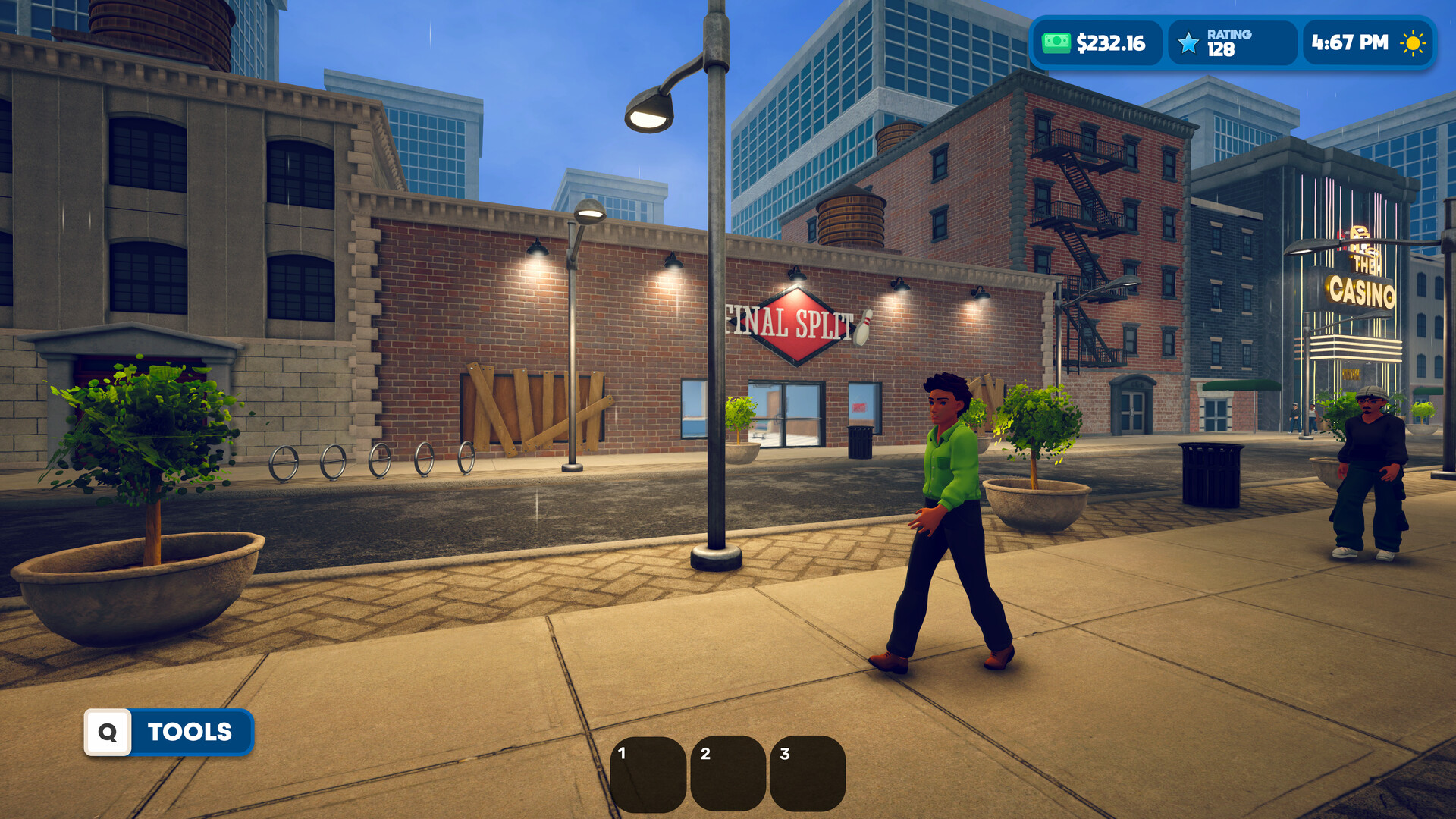
Bowling Alley Simulator is a management simulator developed by Vulcron that challenges you to build and manage your own bowling alley from the ground up. Youre responsible for all day to day operations, including setting lane prices, maintaining equipment, and maintaining customer satisfaction, as well as resolving issues related to equipment breakdowns and peak times. The game features a food service component, where you prepare classic bowling snacks and drinks, with new menu items unlocked as you progress. You'll hire and manage lane staff, food preparation, and cleaning, strategically assigning roles to ensure efficient operation.
Starting with just a few lanes, you can gradually expand by adding new lanes, seating areas, and upgrading the interior and infrastructure. Every business decision impacts your reputation and bottom line, requiring you to balance profitability with customer satisfaction. The core gameplay revolves around smart investments and solving the unpredictable challenges of running an entertainment venue during both peak and off-peak hours. Your goal is to transform a modest bowling alley into a thriving entertainment venue through careful planning and management. The simulator offers an in-depth look at the complexities of running a small business in the entertainment industry.
NOTE. Uploaded version: 20 July 2026 [Build 24270464]. This is Full Release and latest version of game. The game is already Packaged in ISO File and ready to run after install, read the instruction below.
Game Details
- Title: Bowling Alley Simulator
- Genre: Simulation, Casual, Management
- Developer: Vulcron
- Publisher: Vulcron
- Release year: 2026
- Available Languages: English, French, Italian, German, Spanish - Spain, Japanese, Korean, Portuguese - Brazil, Russian, Simplified Chinese
- Release Name: Bowling.Alley.Simulator.Build.24270464
- Game Version: Build 24270464 (upd.20.07.2026)
- Game Releaser: TENOKE
- Size: 891.62 MB
System Requirements
Minimum:
Requires a 64-bit processor and operating system
OS: Windows 10 64-bit / Windows 11 64-bit
Processor: Intel Core i5 3470 / AMD FX-6300
Memory: 4 GB RAM
Graphics: NVIDIA GeForce GTX 750 Ti / AMD Radeon RX 560 / Intel Arc A310
Storage: 2 GB available space
Recommended:
Requires a 64-bit processor and operating system
OS: Windows 10 64-bit / Windows 11 64-bit
Processor: Intel Core i5 3470 / AMD FX-6300
Memory: 8 GB RAM
Graphics: NVIDIA GeForce GTX 1050 Ti / AMD Radeon RX 570 / Intel Arc A380
Storage: 2 GB available space
Screenshots

Video
How to Install
1. The first thing we do is download the game's installation files.
2. Unzip the archive to the hard disk.
3. Mount or burn the ISO image in the disk emulator (UltraISO program).
4. After mount ISO, go to the folder and run the file «setup.exe».
5. During the installation, we specify the location on the disk where we want to install it.
6. Copy the contents of the folder «CRACK» in the folder with the game.
7. At the end of the unpacking process, a shortcut appears on the desktop.
8. Launch the game!
Download Bowling Alley Simulator Build 24270464 (upd.20.07.2026) — TENOKE
Alternative Download Links
Alternative Mirrors
Game Update History
- Bowling Alley Simulator Build 24229884 → Build 24270464 [ 20.07.2026 ]
- Bowling Alley Simulator → Build 24229884 [ 16.07.2026 ]