Save Your Nuts v1.2 (upd.23.05.2020) - PLAZA

PLAZA Full gameFree DownloadLatest version Torrent File
Game updated on 23-05-2020, 16:12. Current version: v1.2 (upd.23.05.2020).
About The Game
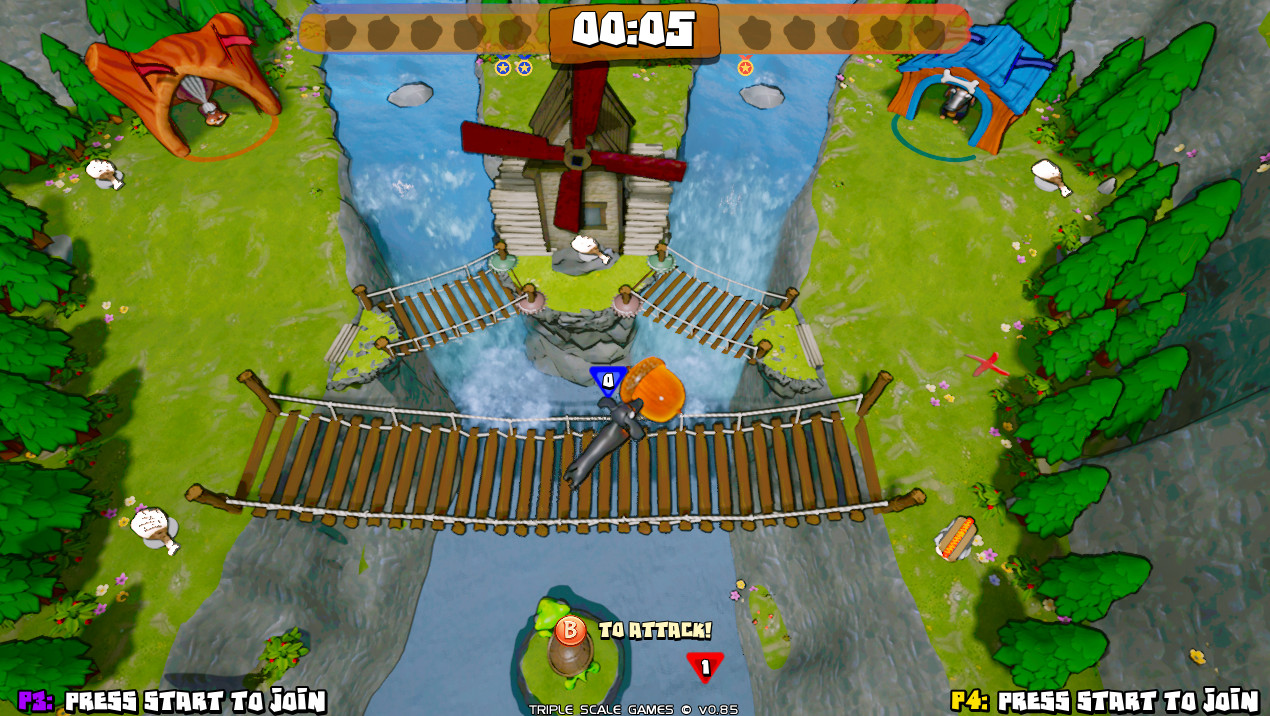
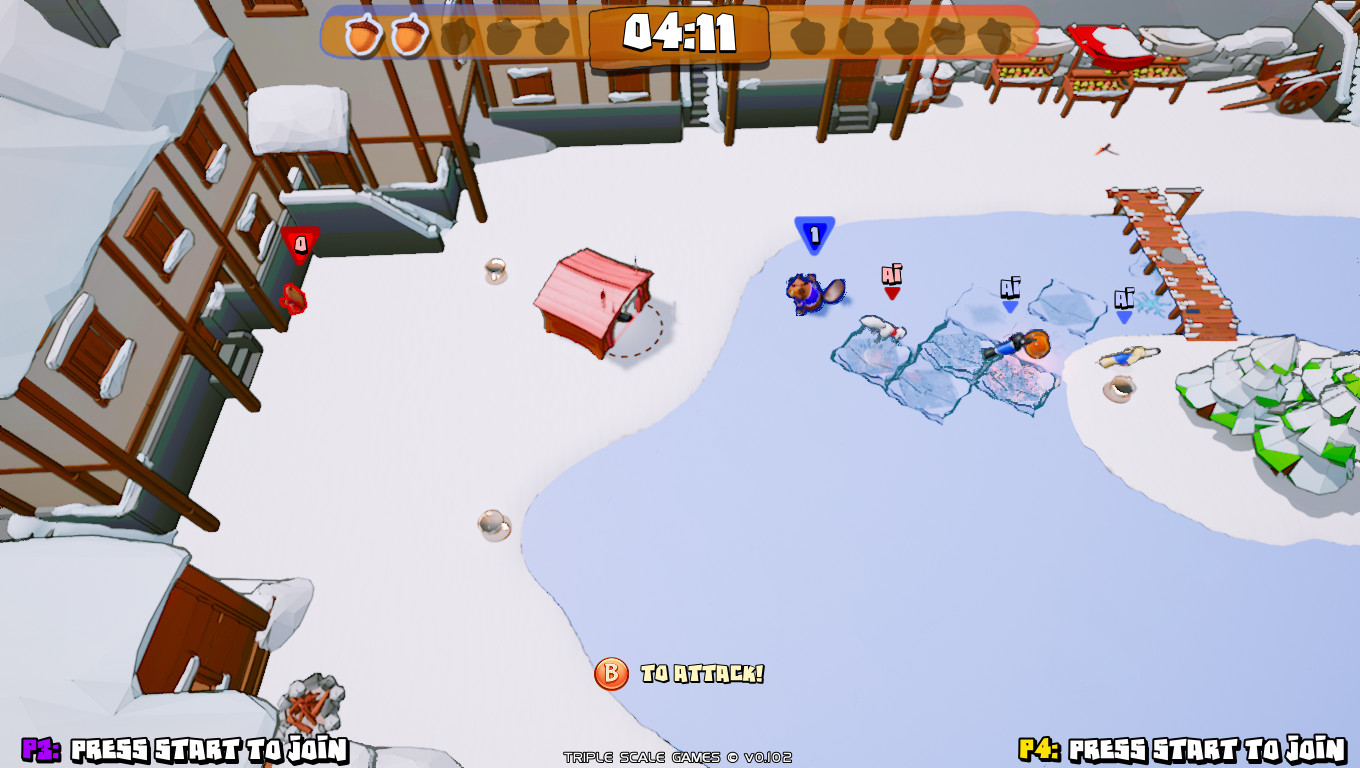
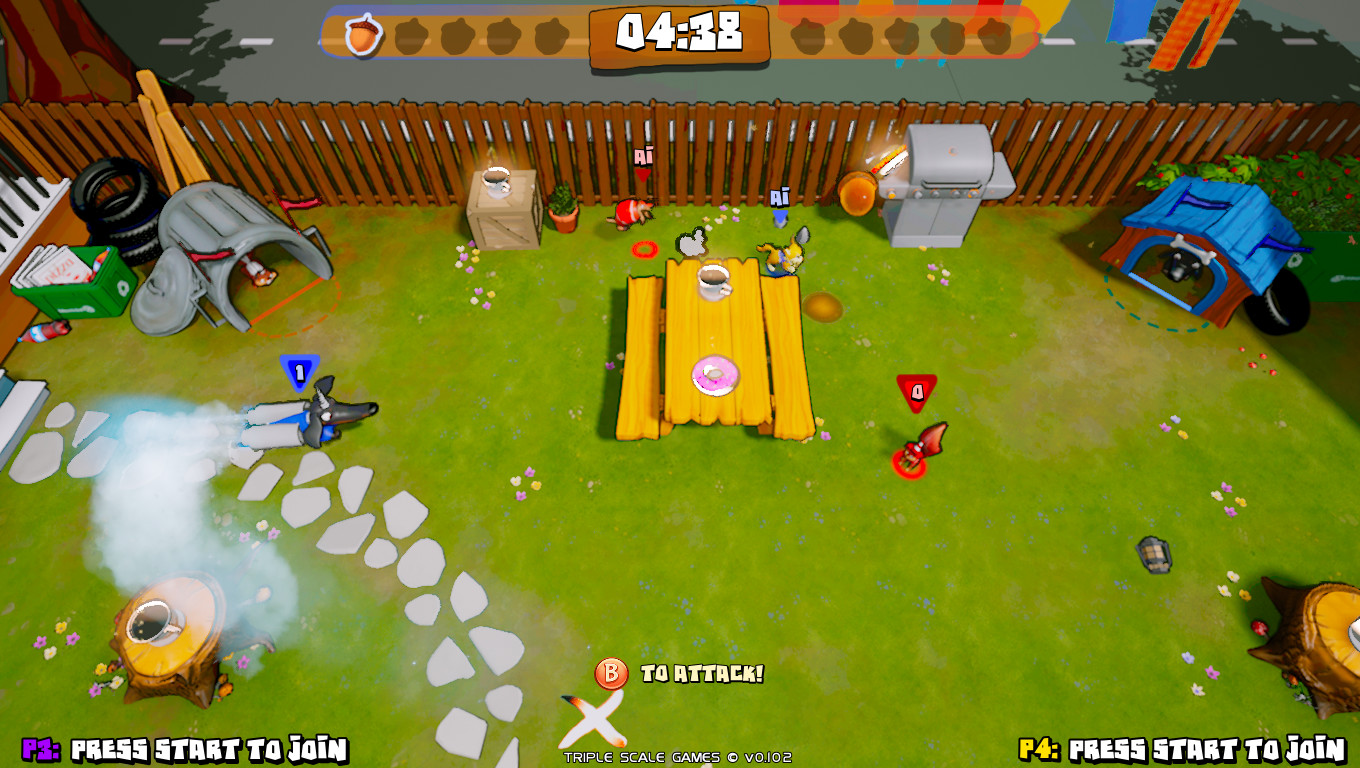
Save Your Nuts — is an action game developed by Triple Scale Games for the PC platform. The environment in the game refers to the style of sports, indie, action, sports game, steam achievements, joint game on the network, local multiplayer, cooperative, humor, competitive, animation and others. Before you is a fascinating adventure, in which a healthy spirit of competition and a new sport reigns. According to the plot of the game, skillful squirrels decided to teach the forest animals a lesson and organized complex tests, which not everyone can pass. Your main task is to go to the start and run, overcoming all obstacles and difficulties.
Game Details
- Title: Save Your Nuts
- Genre: Action, Indie, Sports
- Developer: Triple Scale Games
- Publisher: Triple Scale Games
- Release year: 2020
- Available Languages: English, French, German, Japanese, Korean, Portuguese - Brazil, Simplified Chinese, Spanish - Spain, Russian, Italian, Traditional Chinese, Turkish, Vietnamese, Polish, Portuguese, Spanish - Latin America
- Release Name: Save.Your.Nuts-PLAZA
- Game Version: v1.2 (upd.23.05.2020)
- Game Releaser: PLAZA
- Size: 1.0 GB
System Requirements
MINIMUM:
OS: Windows XP SP2 or LaterProcessor: 1.5GHZ +
Memory: 2 GB RAM
Graphics: 1GB Dedicated VRAM
DirectX: Version 9.0c
Storage: 2 GB available space
RECOMMENDED:
OS: Windows 7 or later
Processor: Dual Core 2.3 GHZ
Memory: 2 GB RAM
Graphics: 2GB Dedicated VRAM
DirectX: Version 9.0c
Storage: 2 GB available space
Screenshots
Video
How to Install
1. The first thing we do is download the game’s installation files.
2. Mount or burn the ISO image in the disk emulator (UltraISO program).
3. During the installation, we specify the location on the disk where we want to install it.
4. Wait until the installation process is complete, a shortcut will appear on the desktop.
5. Download & install Update v1.2 in game folder.
5. Copy the contents of the folder «PLAZA» in the folder with the game.
7. Start the game.
Download update only: Save.Your.Nuts.Update.v1.2-PLAZA [ 376.8 MB ]
2. Mount or burn the ISO image in the disk emulator (UltraISO program).
3. During the installation, we specify the location on the disk where we want to install it.
4. Wait until the installation process is complete, a shortcut will appear on the desktop.
5. Download & install Update v1.2 in game folder.
5. Copy the contents of the folder «PLAZA» in the folder with the game.
7. Start the game.
Download update only: Save.Your.Nuts.Update.v1.2-PLAZA [ 376.8 MB ]
Download Save Your Nuts v1.2 (upd.23.05.2020) — PLAZA
File Size: 1.0 GB
How to get your file — 3 quick steps
VPN detected. Our download does not accept VPN connections. Please disable your VPN to continue.
Re-check
1
Click download
Use any button below
2
Install Opera
On the page that opens
Switch to the tab that just opened — Opera installer is already there. After install, open this page in Opera and click Check install.
Opera not detected. Make sure it's installed and open this page in Opera browser, then click Check install again.
Opera is a free, official browser by Opera Software AS — safe to install. [ Opera Install Guide ]
Alternative Download Links
Alternative Mirrors
Searching mirrors…
Game Update History
- Save Your Nuts v1.0 → v1.2 [ 23.05.2020 ]
- Save Your Nuts → v1.0 [ 16.04.2020 ]