TUNIC v1.0-t1513-b45 (upd.30.05.2023)
About The Game
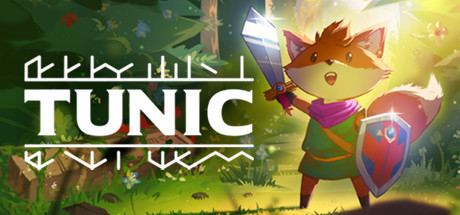
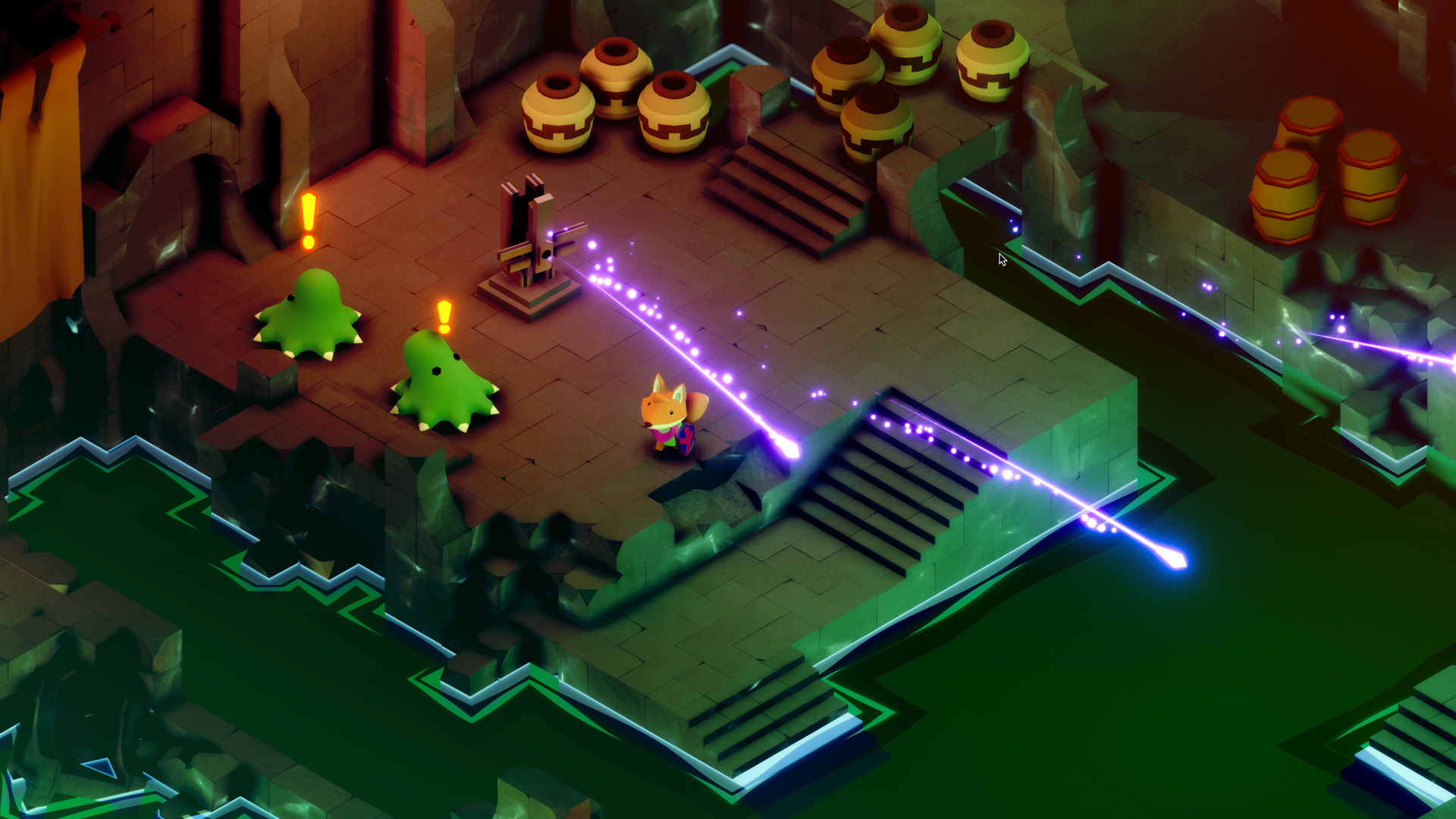
TUNIC is the story of a little fox who travels through an isometric world filled with various evil forces and monsters. You wake up among the ruins and all that drives you is curiosity. In this strange world, you will try to find the most valuable treasures. Maybe they are hiding behind a golden door guarded by ancient monsters. Or maybe everything of value lies at the end of the deepest dungeon. You have no choice but to personally check everything. To become stronger, you will have to collect the pages of an ancient book scattered around the world, in which a variety of secrets are hidden. With each page, you will discover not only secrets, but also various secret techniques that will help you improve your fox skills.
NOTE. This release included Main game and Soundtrack DLC!
Game Details
- Title: TUNIC
- Genre: Action, Adventure, RPG
- Developer: Andrew Shouldice
- Publisher: Finji
- Release year: 2022
- Available Languages: English, French, Italian, German, Spanish - Spain, Bulgarian, Czech, Danish, Dutch, Finnish, Greek, Hungarian, Japanese, Korean, Norwegian, Polish, Portuguese - Brazil, Romanian, Chinese, Spanish - Latin America, Swedish, Traditional Chinese, Turkish, Ukrainian, Portuguese
- Release Name: TUNIC v1.0-t1513-b45 (upd.30.05.2023)
- Game Version: v1.0-t1513-b45 (upd.30.05.2023)
- Size: 3.37 GB
Key Features
- Explore a hostile and intricately-connected world of shady forests, sprawling ruins, and labyrinthine catacombs.
- Fight mighty bosses deep beneath the earth, high above the clouds, and in places stranger still.
- Collect the missing manual pages, bursting with hints and original full-color illustrations.
- Discover hidden treasures to help you on your way.
- Unearth secret relics, secret techniques, secret puzzles, and listen, thereis a lot of secrets.
- Featuring sound design by Power Up Audio.
- And an original soundtrack by Lifeformed (Terence Lee and Janice Kwan).
System Requirements
OS: Windows 10
Processor: Intel i5 Quad-Core, 2.7 GHz
Memory: 8 GB RAM
Graphics: GTX 660 / RX 460
Storage: 2 GB available space
Additional Notes: Gamepad or Controller Recommended.
RECOMMENDED:
OS: Windows 10
Processor: Intel i5 Quad-Core, 3 GHz
Memory: 8 GB RAM
Graphics: GTX 1080 Ti / RX Vega 64
Storage: 2 GB available space
Additional Notes: Gamepad or Controller Recommended.
Screenshots


Video
How to Install
1. The first thing we do is download the game’s installation files.
2. After downloaded, go to the folder and run the file «setup.exe».
3. During the installation, we specify the location on the disk where we want to install it.
4. At the end of the unpacking process, a shortcut appears on the desktop.
5. Start the game.
Download TUNIC v1.0-t1513-b45 (upd.30.05.2023)
Alternative Download Links
Alternative Mirrors
Other Versions & DLCs
Game Update History
- TUNIC Build 10650562 → v1.0-t1513-b45 [ 30.05.2023 ]
- TUNIC v20220927 → Build 10650562 [ 03.03.2023 ]
- TUNIC v20220422 → v20220927 [ 29.09.2022 ]
- TUNIC → v20220422 Razor1911 release [ 01.07.2022 ]