
Lost Memories Build 10238125 (upd.02.01.2023) - DOGE

About The Game
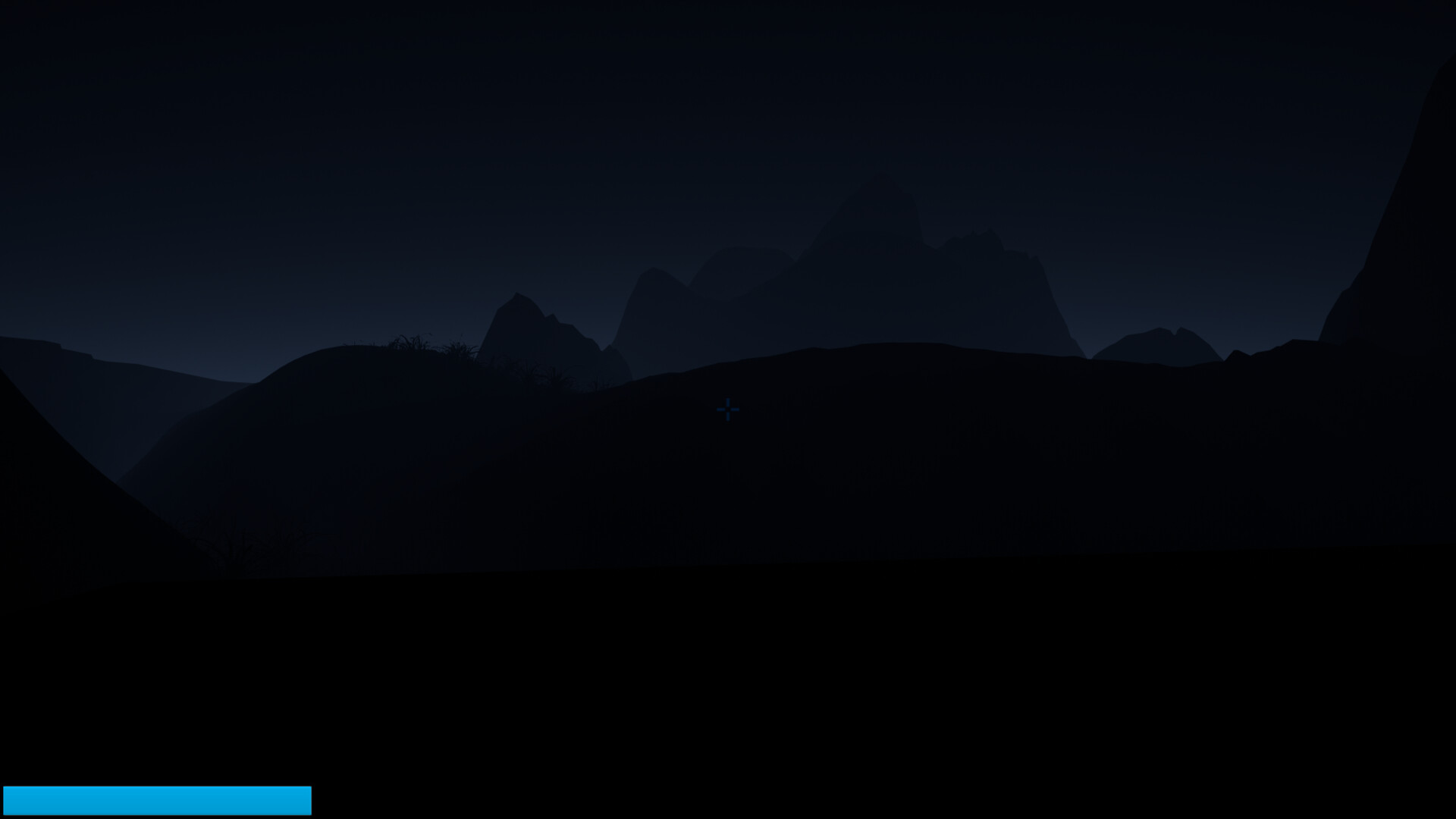
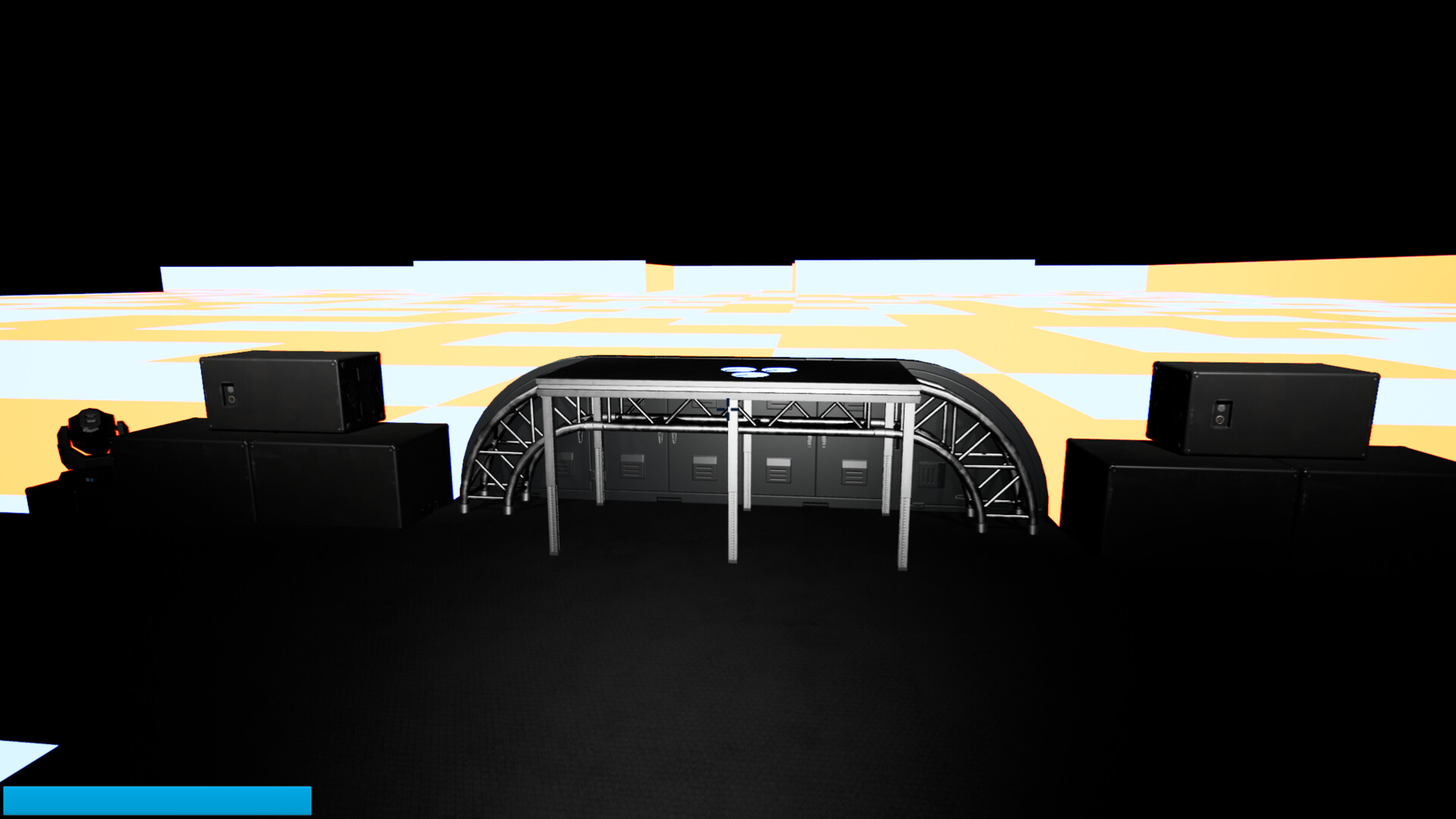
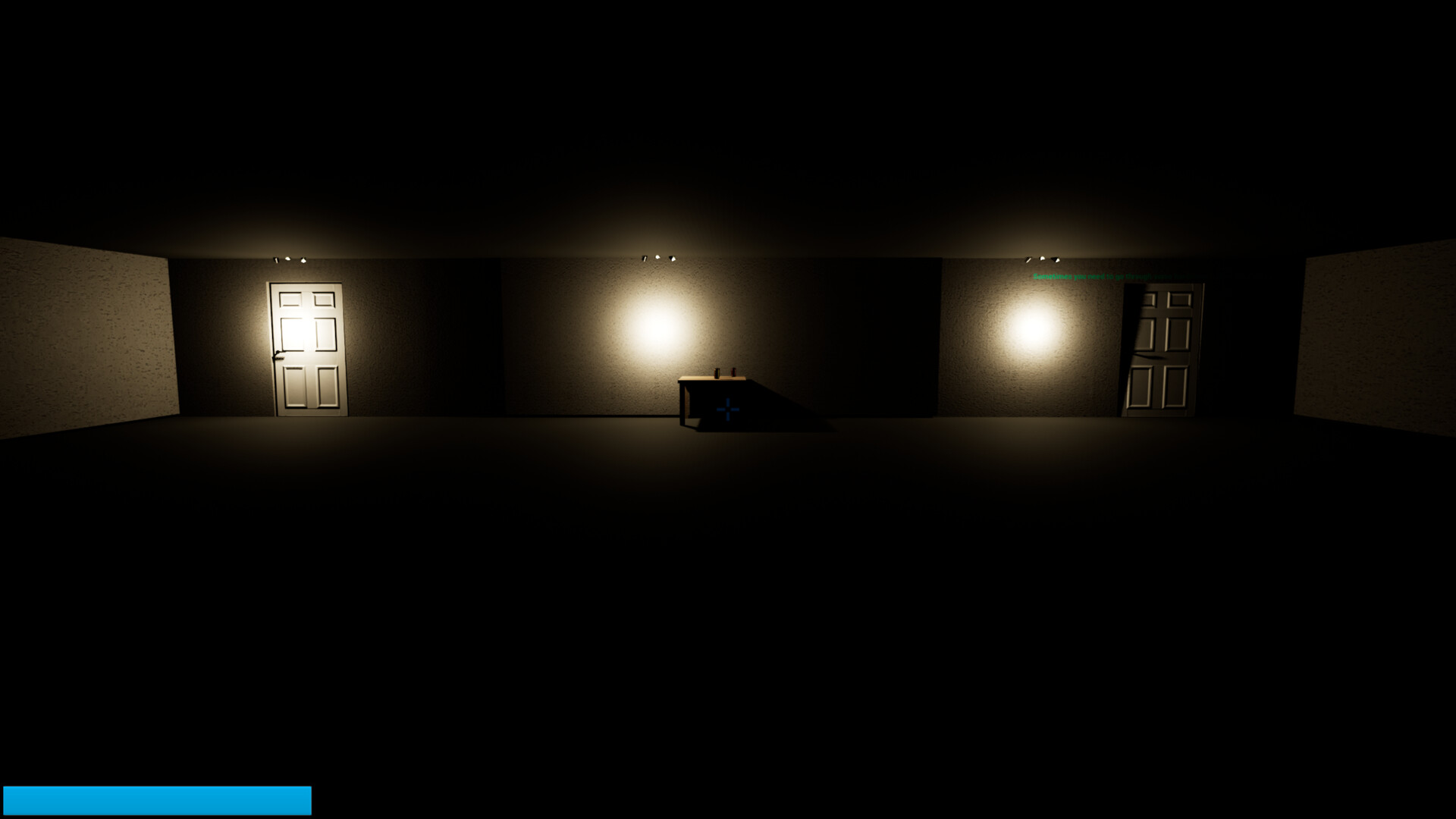
Lost Memories — get lost and solve puzzles to continue your journey. With roguelike elements mixed with horror and storytelling. If you like fast-paced games, there’s a mode for you. Lost Memories has a lot to offer all players. An action-horror game where you try to hide and solve puzzles. Fear System If you’re not in a building or near a fire, you’ll start the game with fear, which will blur your vision and slow your movement. The gun is the only weapon that can block the movement of enemies if you find one. Flashlight The flashlight is used to find your way through Lost Memories.
Game Details
- Title: Lost Memories
- Genre: Action, Adventure, Casual, Indie, Strategy
- Developer: Sheer Studios
- Publisher: Sheer Studios
- Release year: 2023
- Available Languages: English, French, Italian, German, Spanish - Spain, Arabic, Bulgarian, Czech, Danish, Dutch, Finnish, Greek, Hungarian, Japanese, Korean, Norwegian, Polish, Portuguese - Brazil, Portuguese - Portugal, Romanian, Russian, Simplified Chinese, Spanish - Latin America, Swedish, Thai, Traditional Chinese, Turkish, Ukrainian, Vietnamese
- Release Name: Lost.Memories-DOGE
- Game Version: Build 10238125 (upd.02.01.2023)
- Game Releaser: DOGE
- Size: 13.02 GB
System Requirements
MINIMUM:
Requires a 64-bit processor and operating system
OS: Windows 10
Processor: Intel i5 +
Memory: 4 GB RAM
Graphics: Nvida Geforce 1080
DirectX: Version 12
Storage: 12 GB available space
Sound Card: Any
RECOMMENDED:
Requires a 64-bit processor and operating system
Screenshots
How to Install
1. The first thing we do is download the game’s installation files.
2. Mount or burn the ISO image in the disk emulator (UltraISO program).
3. During the installation, we specify the location on the disk where we want to install it.
4. Wait until the installation process is complete, a shortcut will appear on the desktop.
5. Copy the contents of the folder «DOGE» in the folder with the game.
6. Start the game.
Download Lost Memories Build 10238125 (upd.02.01.2023) — DOGE
Alternative Download Links
Alternative Mirrors
Other Versions & DLCs
Game Update History
- Lost Memories → v1.0 Build 10238125 [ 02.01.2023 ]

























































